“Works on My Machine”: Why This Problem Still Exists in 2026
The Persistence of a Classic Problem
Why This Phrase Refuses to Disappear
You would think that by 2026, the phrase “works on my machine” would have disappeared into the history books alongside floppy disks and manual deployments. And yet, it’s still very much alive—whispered in frustration during code reviews, dropped into chat threads, and occasionally used as a defensive shield when something breaks outside a developer’s laptop.
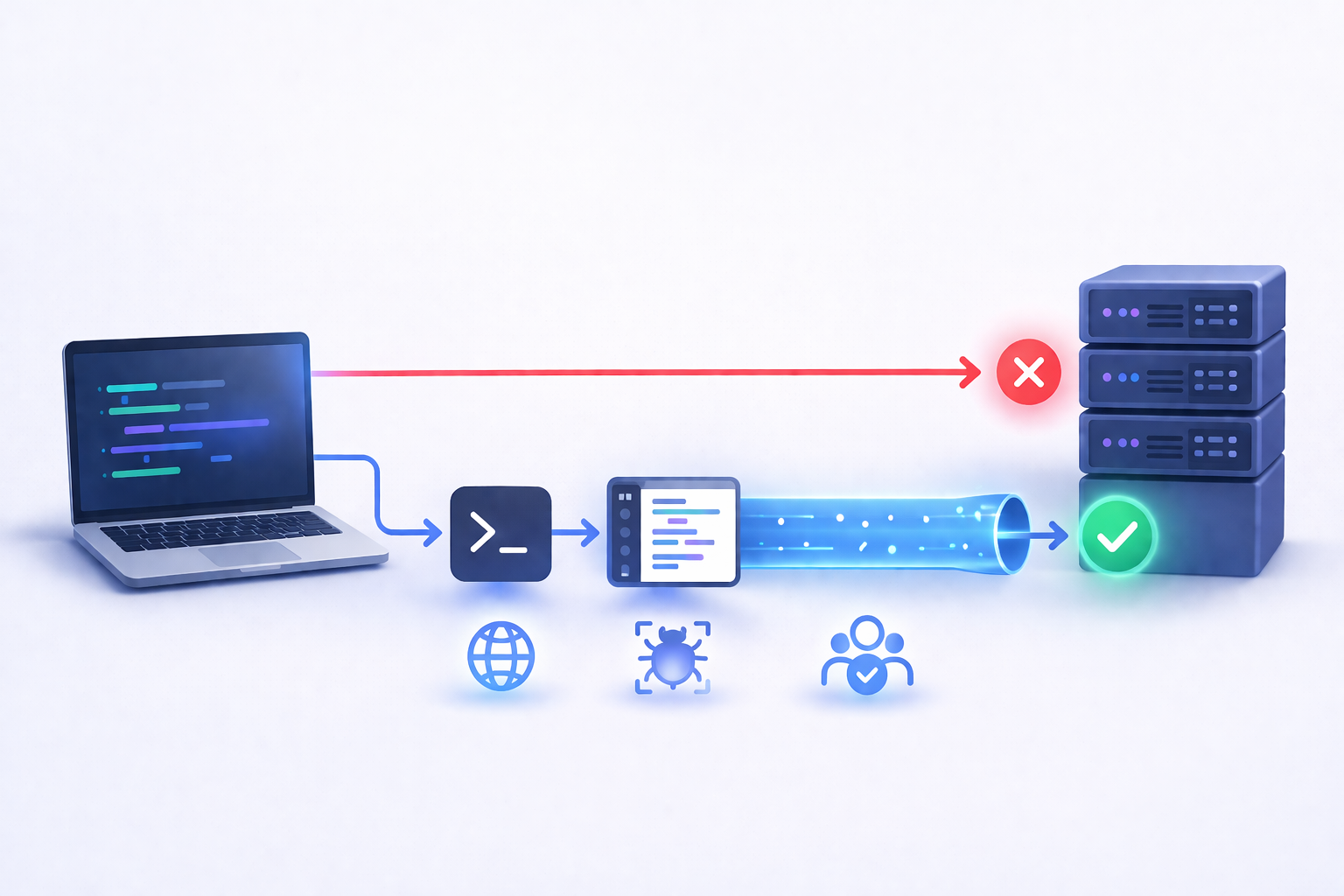
So why does it persist? The short answer is this: software environments are still not truly universal. Despite all the advancements in tooling, automation, and infrastructure, developers continue to work in environments that are subtly—but significantly—different from one another.
The deeper reason is human nature combined with system complexity. Developers optimize for speed and convenience in their local setup. Over time, their machines accumulate tweaks, cached dependencies, environment variables, and background services that quietly support their workflow. Everything feels stable because it’s familiar.
But that stability is deceptive. It’s like practicing a sport on a perfectly smooth field and then playing a match on uneven terrain. The rules haven’t changed, but the conditions have—and suddenly performance drops.
What keeps this problem alive is not a lack of tools, but a mismatch in priorities. Local environments are optimized for productivity, while shared environments—testing, staging, CI—are optimized for consistency. Until those two goals are aligned, the phrase will continue to surface.
The Illusion of Local Success
When code runs successfully on a developer’s machine, it creates a powerful—but often misleading—sense of confidence. Everything compiles, tests pass, and the application behaves as expected. It feels like the work is done.
But local success is often an illusion built on invisible scaffolding. Maybe a dependency was installed globally months ago. Maybe a configuration file exists locally but isn’t tracked in version control. Maybe a background service is running that no one else even knows about.
These invisible factors create a safety net that exists only on that one machine. Remove it—and that’s exactly what happens in shared environments—and the system starts to fail.
The problem is that developers don’t see what’s missing; they only see that it works. This creates a blind spot. When something breaks elsewhere, the instinct is to assume the issue is external rather than environmental.
This illusion is particularly dangerous in teams. One person’s “working setup” becomes another person’s debugging nightmare. And because the differences are often subtle, identifying the root cause can take far longer than expected.
What “Works on My Machine” Really Means
Hidden Dependencies and Assumptions
At its core, “works on my machine” is not a statement about correctness—it’s a statement about context. It means the code works under a specific set of conditions that are not fully documented or understood.
Hidden dependencies are the main culprit. These can include:
-
Globally installed packages that aren’t listed in project files
-
Environment variables set manually on one machine
-
Local services like databases or caches running in the background
None of these are inherently wrong. The problem arises when they’re implicit rather than explicit. If your application depends on something, it should be declared, versioned, and reproducible.
Assumptions are just as problematic. Developers often assume things like file paths, system permissions, or network availability. These assumptions hold true locally but may fail elsewhere.
The real issue isn’t that these dependencies exist—it’s that they’re invisible. And invisible dependencies are impossible to manage effectively.
Environmental Drift Over Time
Even if two developers start with identical setups, their environments won’t stay identical for long. This gradual divergence is known as environmental drift, and it’s one of the most underestimated causes of inconsistency.
Every update, installation, or configuration change nudges an environment slightly off course. Over weeks or months, these small differences accumulate until two machines that were once identical behave completely differently.
Drift is particularly tricky because it’s incremental. Nothing breaks immediately, so the changes go unnoticed. It’s only when code moves between environments that the inconsistencies become visible.
In 2026, this problem hasn’t disappeared—it has simply become more complex. Modern development involves more tools, more dependencies, and more layers of abstraction than ever before. Each layer introduces new opportunities for drift.
The Core Causes Behind the Problem
Inconsistent Environments
At the heart of the issue is a simple truth: not all environments are created equal. Even when teams try to standardize setups, subtle differences remain.
Operating systems behave differently. File systems handle case sensitivity in different ways. Default configurations vary. These differences might seem minor, but they can have a significant impact on how code runs.
Even within the same OS, variations in installed libraries, system updates, and user configurations can create inconsistencies. Two machines running the same version of an OS can still behave differently under certain conditions.
The challenge is that achieving perfect consistency is difficult. It requires not just aligning tools, but aligning every layer of the environment—from the OS to the smallest dependency.
Non-Deterministic Dependencies
Dependencies are another major source of unpredictability. When versions are not strictly controlled, environments can resolve dependencies differently.
This leads to non-deterministic behavior, where the same code produces different results depending on when and where it runs. One machine might install version A of a dependency, while another installs version B—with slightly different behavior.
This is especially problematic in ecosystems where dependencies change frequently. Even a minor update can introduce breaking changes.
Without strict version control and reproducible builds, this variability becomes unavoidable. And when combined with environmental differences, it creates the perfect conditions for the “works on my machine” problem.
Modern Development Has Made It Worse
Complexity of Toolchains
Modern development toolchains are incredibly powerful—but also incredibly complex. A typical project might involve multiple runtimes, package managers, build tools, and configuration layers.
Each of these components introduces its own set of variables. When they interact, the complexity multiplies. A small difference in one layer can cascade into unexpected behavior elsewhere.
This complexity makes it harder to reason about environments. It’s no longer just about installing the right version of a language—it’s about aligning an entire ecosystem of tools.
And the more complex the system, the more fragile it becomes.
Distributed Systems and External Services
Today’s applications rarely run in isolation. They depend on external services, APIs, and distributed systems. These dependencies introduce variability that’s difficult to control.
Locally, developers might use mocks or simplified versions of these services. In shared environments, the real systems come into play—with different latency, availability, and behavior.
This gap between local and real-world conditions is another reason why code that “works on my machine” can fail elsewhere.
The Cost of Ignoring the Problem
Wasted Time and Broken Trust
At first glance, “works on my machine” might seem like a minor inconvenience—a temporary mismatch that can be resolved with a quick fix. In reality, it quietly drains one of the most valuable resources in any team: time. Every time code behaves differently across environments, someone has to stop what they’re doing and investigate. That investigation rarely follows a straight path. It involves reproducing the issue, comparing setups, scanning logs, and often second-guessing assumptions that felt rock solid just hours earlier.
What makes this especially frustrating is that the problem often isn’t visible in the code itself. It lives in the gaps between environments. So instead of improving the product, developers spend hours chasing ghosts—issues that disappear when run locally but reappear elsewhere. Over time, this creates friction within teams. One developer insists the feature is complete, another insists it’s broken, and both are technically correct within their own contexts.
This dynamic erodes trust. Not just between people, but in the system itself. When builds become unpredictable, teams lose confidence in their pipelines, their tests, and sometimes even their deployment process. Decisions slow down because no one is fully sure what will happen next. And once that uncertainty creeps in, productivity takes a hit that’s far greater than the original bug.
In a fast-moving environment, consistency isn’t a luxury—it’s a requirement. Without it, even simple changes can feel risky, and every release becomes a negotiation with uncertainty rather than a step forward.
Production Risks and Hidden Bugs
The more dangerous side of this problem shows up when inconsistencies slip past development and testing entirely and land in production. A feature that appears stable locally—and maybe even in limited testing—can behave very differently under real-world conditions.
This is where hidden bugs come into play. These aren’t obvious failures; they’re subtle issues that only emerge under specific conditions. Maybe it’s a timing issue, a configuration mismatch, or a dependency behaving slightly differently. Locally, everything looks fine. In production, something breaks—but not in a way that’s immediately clear.
These bugs are particularly costly because they’re harder to diagnose. You can’t rely on your local environment to reproduce them, which means you’re debugging in the dark. Meanwhile, users are experiencing issues that may affect performance, reliability, or data integrity.
There’s also a compounding effect. If your environments are inconsistent, every stage—development, testing, staging, production—introduces new variables. By the time code reaches users, it has passed through multiple layers of potential divergence.
Ignoring the “works on my machine” problem doesn’t just slow teams down—it increases the risk of shipping unstable software. And once issues reach production, the cost of fixing them rises dramatically, both in terms of time and impact.
How Teams Are Solving It in 2026
Standardized Development Environments
By 2026, one of the most effective responses to this problem has been a shift toward standardized development environments. Instead of allowing every developer to configure their setup independently, teams define a shared environment that everyone uses.
This doesn’t mean removing flexibility entirely—it means setting a reliable baseline. Every developer starts from the same foundation, with the same versions of tools, the same configurations, and the same dependencies. The goal is to eliminate surprises when code moves from one machine to another.
What’s interesting is how this changes team dynamics. Onboarding becomes faster because new developers don’t have to piece together a working setup from scattered documentation. Debugging becomes more collaborative because everyone is working within the same constraints. When something breaks, it’s easier to isolate whether the issue is in the code or the environment.
Standardization also reduces cognitive load. Developers no longer have to constantly think about whether their setup matches everyone else’s. They can focus on solving problems rather than managing configurations.
The key insight here is that consistency isn’t about control—it’s about shared understanding. When environments are aligned, communication becomes clearer, and problems become easier to solve.
Reproducible Builds and Strict Configs
Another major shift is the emphasis on reproducibility. Teams are moving away from flexible, loosely defined setups and toward systems where every build is predictable and repeatable.
This starts with strict configuration management. Every dependency, every environment variable, every build step is explicitly defined. Nothing is left to chance or assumed to exist. If something is required, it’s declared.
Reproducible builds go a step further. They ensure that the same input—code, configuration, dependencies—always produces the same output. This eliminates a huge source of variability and makes debugging far more straightforward.
There’s also a cultural shift involved. Teams are becoming less tolerant of “it works locally” as a validation standard. Instead, success is defined by whether code works everywhere it’s supposed to.
This doesn’t happen overnight. It requires discipline, tooling, and a willingness to rethink existing workflows. But the payoff is significant: fewer surprises, faster debugging, and a more reliable development process overall.
Practical Strategies That Actually Work
Eliminate Implicit Dependencies
If there’s one principle that consistently solves this problem, it’s this: make everything explicit. Implicit dependencies—those hidden pieces of the environment that your code relies on—are the root cause of most inconsistencies.
Start by asking a simple question: if someone cloned your project on a completely clean machine, would it work? If the answer is anything other than a confident yes, there are implicit dependencies lurking somewhere.
These might include undeclared packages, missing configuration files, or assumptions about system behavior. The goal is to surface them and bring them into the open.
One effective approach is to regularly test your setup in a clean environment. This forces you to confront any hidden assumptions and address them before they cause problems elsewhere.
Documentation also plays a role, but it’s not enough on its own. The more you can encode your setup into scripts and configuration files, the less room there is for human error.
In essence, you’re turning your environment into something that can be recreated, not remembered.
Test Like You Deploy
Another strategy that makes a real difference is aligning your testing environment as closely as possible with your production environment. The closer these environments are, the fewer surprises you’ll encounter.
This doesn’t mean replicating every detail, but it does mean matching the critical aspects: runtime versions, configurations, and key dependencies. If your application behaves one way in testing and another in production, you’re leaving room for inconsistencies.
Testing should also reflect real-world conditions. If your application interacts with external systems, consider how those interactions are represented in your tests. Simplified mocks are useful, but they shouldn’t mask important behaviors.
There’s also value in running tests in environments that mimic production constraints—limited resources, parallel execution, and realistic data sets. These conditions often reveal issues that wouldn’t appear in a perfectly controlled local setup.
The idea is simple: don’t treat testing as a separate world. Treat it as a preview of reality.
Conclusion
“Works on my machine” is not just a phrase—it’s a signal. It points to a gap between environments, a mismatch between assumptions and reality. And despite all the advancements in development practices, that gap still exists in 2026 because software systems have become more complex, not less.
The problem persists because local environments are inherently personal, while shared environments demand consistency. Bridging that gap requires more than tools—it requires a shift in how teams think about environments, dependencies, and reproducibility.
The teams that handle this well aren’t the ones with perfect setups. They’re the ones that expect differences and design systems to eliminate them. They make dependencies explicit, standardize environments, and treat reproducibility as a core requirement rather than an afterthought.
The goal isn’t to eliminate local flexibility entirely. It’s to ensure that flexibility doesn’t come at the cost of reliability. When code behaves the same way everywhere, development becomes smoother, collaboration becomes easier, and releases become more predictable.
And when that happens, the phrase “works on my machine” starts to lose its meaning—because it works everywhere that matters.

ASD Team
The team behind ASD - Accelerated Software Development. We're passionate developers and DevOps enthusiasts building tools that help teams ship faster. Specialized in secure tunneling, infrastructure automation, and modern development workflows.