Why Sharing Development Environments Is Still So Difficult
What Does “Sharing an Environment” Actually Mean?
Beyond Code Sharing
When people talk about collaboration in software development, they often focus on code. Git repositories, pull requests, code reviews—that’s the visible layer of teamwork. But beneath that lies something just as important and far more fragile: the development environment.
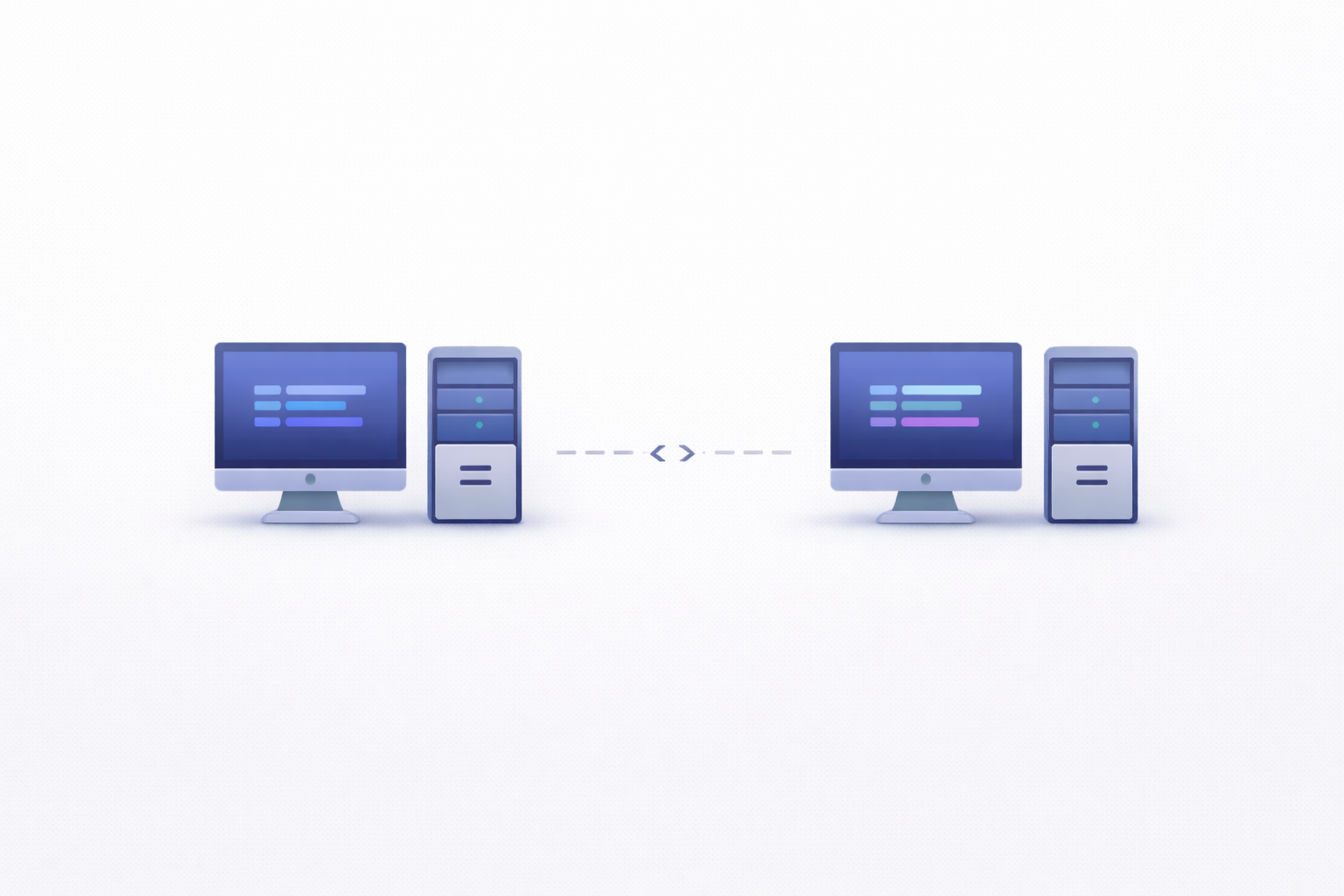
Sharing an environment doesn’t just mean sharing code. It means sharing everything required to run that code successfully—dependencies, configurations, services, databases, environment variables, and even subtle runtime behaviors.
In theory, this should be straightforward. If everyone on the team is working on the same project, they should be able to run it in the same way.
In reality, it rarely works like that.
Two developers can pull the same repository and still end up with completely different outcomes. One runs the app without issues. The other hits errors immediately. Same code, different environment.
That’s because environments are implicit systems. A lot of what makes them work isn’t written down. It lives in local setups, cached dependencies, OS-specific behaviors, or undocumented configurations.
So when we say “sharing an environment,” what we really mean is replicating a complex, often invisible system across multiple machines or users.
And that’s where things start to fall apart.
The Ideal vs Reality
In an ideal world, sharing a development environment would look something like this: a new developer joins the team, runs a single command, and everything just works.
Dependencies are installed. Services are configured. The app runs exactly as expected.
No surprises. No hidden steps. No “Oh, you also need to install this manually.”
But reality is messier.
Onboarding often involves a long list of steps—installing specific versions of tools, configuring environment variables, setting up databases, running migrations. And even after following all the instructions, things might still not work perfectly.
Why? Because environments are sensitive to details.
Maybe the documentation is outdated. Maybe a dependency version changed. Maybe something behaves differently on macOS versus Linux.
These small inconsistencies add up, turning what should be a smooth process into a frustrating one.
The gap between the ideal and reality is what makes sharing development environments so difficult—and why it remains an unsolved problem for many teams.
The Illusion of Standardization
“It Should Be the Same Everywhere”
Modern development practices often emphasize standardization. Teams use the same tools, the same frameworks, the same configurations. On paper, everything is aligned.
So why doesn’t it feel that way in practice?
Because standardization is often assumed, not enforced.
A project might specify a Node.js version, but developers might still use slightly different ones. A Docker setup might exist, but not everyone uses it consistently. Environment variables might be documented, but not all of them are applied correctly.
The expectation is that things are the same everywhere—but the reality is that small differences creep in.
And those differences matter.
Even a minor mismatch—like a patch version of a dependency—can lead to unexpected behavior. Multiply that across an entire stack, and you get environments that look similar but behave differently.
Where Standardization Breaks Down
Standardization tends to break down in a few key areas.
First, local machines. Developers use different operating systems, hardware, and configurations. These differences affect how software runs, especially when dealing with system-level dependencies.
Second, tooling. Even when teams agree on tools, versions and configurations can vary. One developer might use a different package manager or shell environment, leading to subtle inconsistencies.
Third, undocumented knowledge. Not everything is written down. Some setup steps are passed along informally, and over time, they get lost or misinterpreted.
Finally, time. Environments evolve. New dependencies are added, configurations change, and documentation struggles to keep up.
All of this creates a situation where standardization exists in theory—but not in practice.
Core Challenges in Sharing Environments
Dependency Hell and Version Conflicts
Dependencies are one of the biggest pain points when sharing environments.
Every project relies on a web of libraries, frameworks, and tools. Each of these has its own version requirements, and conflicts can arise quickly.
For example, one library might require version X of a dependency, while another requires version Y. Resolving these conflicts isn’t always straightforward.
And even when everything installs correctly, different versions can behave differently.
This leads to the classic scenario: “It works for me, but not for you.”
Differences in Local Machines
Local environments are inherently diverse.
Developers use different operating systems, processors, and configurations. Some run everything locally. Others rely on virtual machines or containers.
These differences affect everything from file paths to network behavior.
What works seamlessly on one machine might fail on another.
Hidden Configuration Gaps
Not all configuration is visible.
Environment variables, local overrides, cached data—these are often hidden from version control. And yet, they play a crucial role in how applications run.
When these configurations aren’t shared or documented properly, environments drift apart.
Why Modern Tooling Hasn’t Fully Solved It
Containers Are Not a Silver Bullet
When containers like Docker became mainstream, many teams thought the problem of sharing development environments was finally solved. Package everything into a container, run it anywhere, and you’re done—right?
Not quite.
Containers improve consistency, but they don’t eliminate complexity. In fact, they often shift the problem rather than solve it completely.
For starters, containers still depend on the host system. Differences in operating systems, file systems, or resource limits can affect how containers behave. Two developers running the same container image might still experience subtle differences.
Then there’s the issue of configuration. Containers need environment variables, network settings, mounted volumes, and service dependencies. If those aren’t aligned perfectly, the environment still breaks.
Another challenge is multi-container setups. Modern applications rarely run as a single container. You might have separate containers for the app, database, cache, message broker, and more. Managing all of these together—often through tools like Docker Compose—adds another layer of complexity.
And let’s be honest—containers introduce their own learning curve. Developers need to understand how to build images, manage volumes, debug containerized apps, and deal with networking quirks.
So while containers help standardize environments, they don’t magically make them easy to share.
Complexity of Setup and Maintenance
Even with modern tooling, setting up a development environment can still feel like assembling a puzzle.
There are multiple layers involved:
-
Language runtimes
-
Package managers
-
Databases and services
-
Environment variables
-
Build tools and scripts
Each layer has its own configuration, and all of them need to align.
Over time, this setup becomes harder to maintain. Dependencies get updated. Tools evolve. New services are added. Documentation becomes outdated.
And here’s the catch: the more powerful your tooling, the more complex your environment becomes.
Teams often invest in sophisticated setups—containers, orchestration, automation—but without proper maintenance, these setups can become just as fragile as the systems they replaced.
So instead of eliminating friction, tooling sometimes just moves it to a different place.
The Human Factor
Personal Preferences and Workflows
Not all challenges are technical. Some of the biggest obstacles to sharing environments come down to people.
Developers have preferences. One prefers a certain editor, another uses a different shell, someone else has custom scripts or aliases that streamline their workflow.
These differences aren’t inherently bad—they’re part of what makes developers productive. But they can create inconsistencies when environments are shared.
For example, one developer might rely on a local setup with specific tweaks, while another sticks strictly to the documented process. Both approaches work—but they produce slightly different environments.
Over time, these variations add up.
There’s also resistance to change. If a developer has a setup that works, they may be reluctant to switch to a standardized environment, especially if it feels slower or more restrictive.
So even when teams try to standardize environments, adoption isn’t always uniform.
Knowledge Silos and Documentation Gaps
Another major issue is knowledge distribution.
In many teams, a few people understand the environment deeply—how it’s set up, why certain configurations exist, how to troubleshoot issues.
But that knowledge isn’t always documented.
Instead, it lives in conversations, Slack messages, or someone’s memory. And when new team members join, they have to piece things together.
This creates bottlenecks. When something breaks, everyone turns to the same person for help. And if that person isn’t available, progress slows down.
Documentation is supposed to solve this—but it’s often incomplete or outdated. Environments evolve quickly, and keeping documentation in sync requires constant effort.
Without clear, up-to-date documentation, sharing environments becomes much harder than it should be.
Impact on Team Productivity
Onboarding Friction
One of the most visible consequences of poor environment sharing is slow onboarding.
A new developer joins the team, excited to contribute. But before they can write a single line of code, they have to set up their environment.
And that setup can take hours—or even days.
They follow the documentation, run into issues, ask for help, try different fixes, and slowly piece things together.
This process is not just time-consuming—it’s discouraging.
Instead of focusing on learning the codebase or building features, new developers spend their energy troubleshooting setup issues.
And first impressions matter. A difficult onboarding experience can shape how developers feel about the entire project.
Inconsistent Debugging Results
Another impact is inconsistency in debugging.
When environments differ, bugs become harder to track down.
One developer might reproduce an issue easily, while another can’t see it at all. Tests might pass in one setup and fail in another.
This creates confusion and slows down problem-solving.
Instead of focusing on the root cause, teams spend time figuring out whether the issue is real or environment-specific.
Over time, this erodes trust—not just in the environment, but in the development process itself.
Approaches That Actually Help
Dev Environments as Code
One of the most effective ways to improve environment sharing is to treat environments like code.
This means defining everything—dependencies, configurations, services—in a version-controlled, reproducible format.
Tools like Docker, Terraform, and environment configuration frameworks make this possible.
The benefits are significant:
-
Environments become reproducible
-
Changes are tracked and reviewable
-
Setup becomes more predictable
Instead of relying on manual steps, developers can spin up environments using predefined scripts or configurations.
This reduces ambiguity and ensures that everyone is working with the same setup.
Cloud-Based Development Environments
Another promising approach is moving development environments to the cloud.
Instead of running everything locally, developers connect to cloud-based workspaces that are pre-configured and consistent.
These environments can be:
-
Standardized across the team
-
Easily reset or recreated
-
Accessible from anywhere
Platforms like GitHub Codespaces or Gitpod are examples of this trend.
By centralizing environments, teams reduce the variability introduced by local machines.
It’s not a perfect solution—there are trade-offs in performance and flexibility—but it addresses many of the challenges of sharing environments.
The Future of Shared Development Environments
Fully Reproducible Workspaces
The long-term goal is clear: fully reproducible development environments.
Imagine being able to clone a repository, run a single command, and have a complete, working environment—identical to everyone else’s.
We’re getting closer to this reality with advances in containerization, IaC, and cloud-based tooling.
But there are still challenges, especially around data, external dependencies, and performance.
As tools improve, reproducibility will become more achievable—and environment sharing will become less painful.
AI-Assisted Environment Setup
AI is starting to play a role here as well.
In the future, AI tools could:
-
Detect missing dependencies automatically
-
Suggest fixes for setup issues
-
Generate environment configurations based on project requirements
Instead of manually troubleshooting, developers could rely on intelligent systems to guide them.
This won’t eliminate the need for good practices, but it can reduce friction significantly.
Conclusion
Sharing development environments sounds simple in theory—but in practice, it’s one of the most persistent challenges in software engineering.
The problem isn’t just technical. It’s a mix of tooling limitations, human factors, and the inherent complexity of modern systems.
Even with containers, CI/CD pipelines, and advanced tooling, environments remain fragile and difficult to replicate perfectly.
But progress is happening.
By treating environments as code, adopting cloud-based solutions, and improving documentation and collaboration, teams can reduce friction and move closer to consistency.
Because at the end of the day, effective collaboration isn’t just about sharing code—it’s about sharing the context in which that code runs.

ASD Team
The team behind ASD - Accelerated Software Development. We're passionate developers and DevOps enthusiasts building tools that help teams ship faster. Specialized in secure tunneling, infrastructure automation, and modern development workflows.