Why Remote Debugging Is Becoming Essential for Engineering Teams
What Is Remote Debugging?
A Simple Explanation for Modern Teams
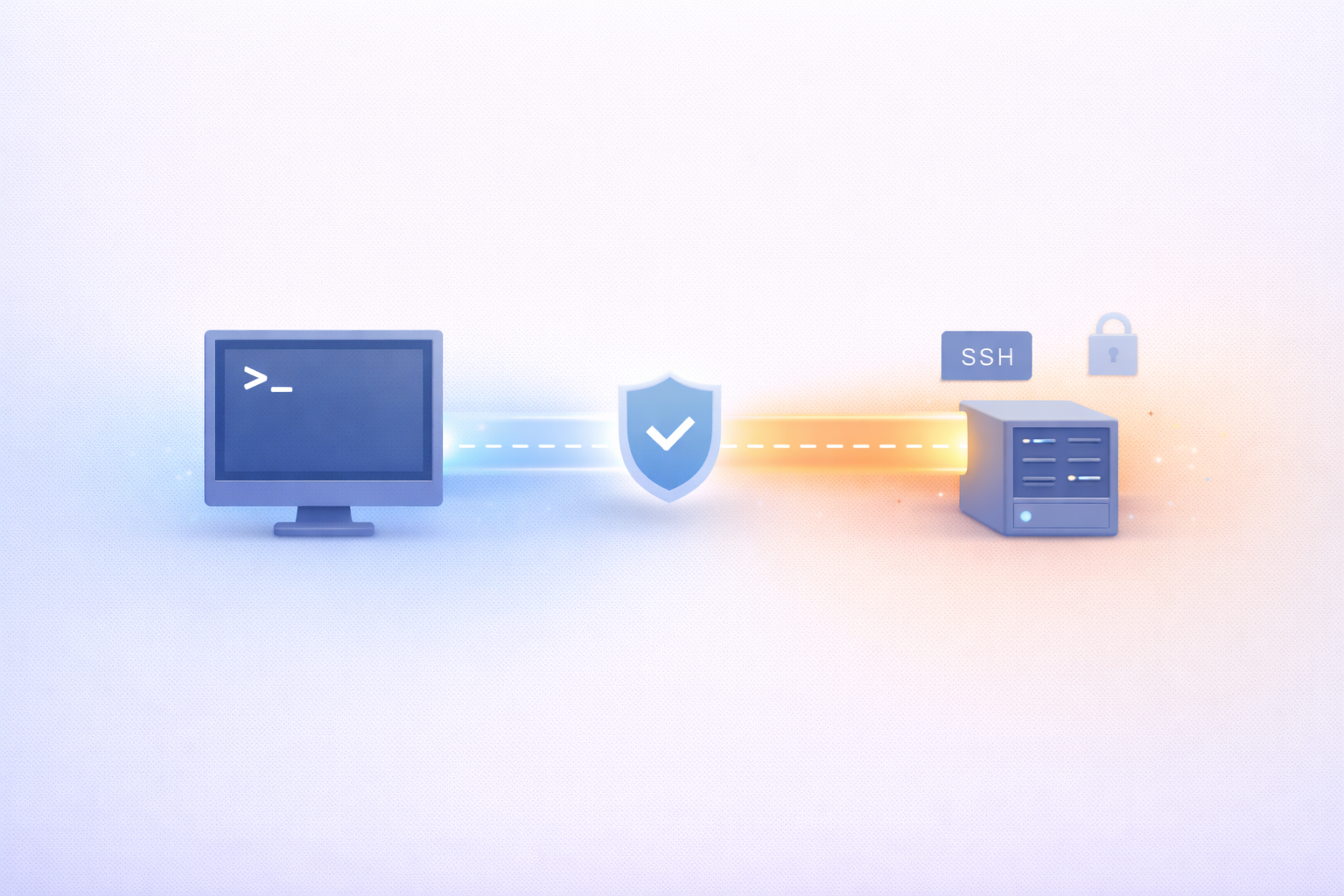
Remote debugging sounds more complicated than it actually is. At its core, it simply means debugging an application while it’s running in a different environment than your local machine—often in staging or production. Instead of trying to recreate issues locally, developers connect directly to the live system and inspect what’s happening in real time.
Think about how debugging traditionally works. You run the app on your laptop, reproduce the bug, step through the code, and fix it. That approach works fine—until it doesn’t. In modern systems, especially those running in the cloud, many issues simply can’t be reproduced locally. That’s where remote debugging steps in.
It allows you to see the application exactly as it behaves in its real environment. You can inspect variables, follow execution paths, and understand how different services interact—all without guessing. It’s like being able to “look inside” a running system instead of trying to simulate it.
This capability is becoming increasingly important as systems grow more complex. Microservices, distributed architectures, and real-time data flows make it nearly impossible to replicate production conditions locally. Remote debugging bridges that gap, giving developers direct access to the truth instead of approximations.
For engineering teams, this isn’t just a convenience—it’s a shift in how problems are approached. Instead of asking, “How do we reproduce this?” the question becomes, “What’s actually happening right now?” That change alone can save hours, sometimes even days, of investigation.
How It Differs from Local Debugging
Local debugging has been the default for decades, and for good reason—it’s simple, safe, and completely under the developer’s control. But it operates under one big assumption: that your local environment accurately reflects production. In today’s world, that assumption often falls apart.
Remote debugging flips that model. Instead of bringing the problem to your environment, it brings you to the problem. You’re no longer working with a copy of the system—you’re interacting with the real thing.
This difference becomes critical when dealing with issues tied to scale, concurrency, or environment-specific configurations. For example, a bug caused by race conditions in a distributed system might never appear locally. Similarly, issues related to cloud infrastructure, network latency, or third-party integrations are incredibly hard to simulate.
Another key difference is speed. Local debugging often involves a long setup process—replicating data, configuring services, and trying to mimic production conditions. Remote debugging removes much of that overhead. You connect, observe, and start investigating immediately.
Of course, this doesn’t mean local debugging is obsolete. It still plays an important role, especially during development. But when it comes to diagnosing complex, real-world issues, remote debugging provides a level of accuracy and efficiency that local setups simply can’t match.
The Shift Toward Distributed Development
Rise of Remote and Hybrid Teams
The way engineering teams work has changed dramatically over the past few years. Remote and hybrid setups are no longer exceptions—they’re the norm. Developers collaborate across time zones, continents, and cultures, often without ever meeting in person.
This shift has introduced new challenges, especially when it comes to debugging. In a traditional office setting, if something broke, you could just walk over to a teammate’s desk and figure it out together. That kind of real-time collaboration is harder to replicate in distributed environments.
Remote debugging helps fill that gap. It allows multiple developers to access the same running system, observe issues together, and collaborate in real time—no matter where they are. It turns debugging into a shared experience rather than an isolated task.
It also reduces dependency on specific individuals. In some teams, only a few people have deep knowledge of certain systems. Without remote debugging, those individuals can become bottlenecks. With it, knowledge becomes more accessible, and teams can work more independently.
As remote work continues to grow, tools that support distributed collaboration will become increasingly important. Remote debugging is one of those tools—it aligns perfectly with how modern teams operate.
Cloud-Native Architectures Changing Everything
At the same time, the systems developers build have evolved just as dramatically. Cloud-native architectures have introduced flexibility and scalability, but they’ve also made debugging significantly more complex.
Applications are no longer monolithic. They’re composed of multiple services, containers, and APIs, all interacting in real time. These components often run in dynamic environments where instances are constantly being created and destroyed.
In this context, traditional debugging approaches start to break down. You can’t just run the entire system locally and expect it to behave the same way. There are too many moving parts, too many variables.
Remote debugging provides a way to navigate this complexity. It allows developers to connect directly to specific services, inspect their behavior, and understand how they fit into the larger system.
It’s not just about fixing bugs—it’s about understanding systems at a deeper level. And in cloud-native environments, that understanding is critical.
Why Traditional Debugging Is No Longer Enough
The Limits of Local Environments
There was a time when local environments were “good enough.” You could spin up your app, run a database, maybe mock a few APIs, and confidently say, “If it works here, it’ll work in production.” That assumption has quietly become outdated.
Modern systems are far more complex than what a single machine can realistically simulate. You’re dealing with distributed services, container orchestration, cloud-specific configurations, feature flags, and real user traffic patterns. Even if you try to recreate all of that locally, you’re still working with an approximation—not the real thing.
And those approximations introduce blind spots.
For example, consider a bug caused by network latency between services. On your local machine, everything runs almost instantly. That delay simply doesn’t exist. Or think about scaling issues—your local setup might handle a few requests perfectly, but production is handling thousands per second. Completely different behavior.
Another big limitation is data. Production systems operate on real, messy, constantly changing data. Local environments usually rely on static or sanitized datasets, which rarely capture the full complexity of real-world usage.
All of this leads to a frustrating reality: developers spend hours trying to reproduce issues that only exist in production. They tweak configs, simulate traffic, and still come up empty.
Remote debugging removes that guesswork. Instead of trying to recreate reality, it lets you observe it directly. And once you see the system as it actually behaves, many “mysterious” bugs suddenly make sense.
The Reality of Production-Only Bugs
If you’ve ever heard someone say, “It works on my machine,” you already know the problem. Some bugs simply refuse to show up outside production—and those are often the most critical ones.
These production-only bugs are becoming more common for a few reasons. First, modern applications depend heavily on external services—APIs, cloud providers, third-party integrations. Any inconsistency in those dependencies can trigger issues that don’t exist locally.
Second, concurrency and scale introduce unpredictable behavior. Race conditions, memory leaks, and timing issues often only appear under real load. You can run tests all day in a controlled environment and never encounter them.
Third, configuration differences matter more than ever. Environment variables, secrets, infrastructure settings—small mismatches can lead to big problems. And those differences are hard to fully replicate outside production.
Without remote debugging, these issues turn into long, painful investigations. Teams rely on logs, guesses, and repeated deployments just to gather clues. It’s slow, inefficient, and sometimes inconclusive.
With remote debugging, the approach changes completely. You can attach to a live system, inspect exactly what’s happening, and follow the execution path in real time. It’s like switching from reading a report about a problem to actually witnessing it firsthand.
For engineering teams, this shift is huge. It turns debugging from a reactive, trial-and-error process into a precise, informed investigation.
Core Benefits of Remote Debugging
Faster Issue Resolution
Speed matters in software development—but it matters even more when something is broken. The longer an issue persists, the greater its impact on users, business operations, and team momentum.
Remote debugging dramatically reduces the time it takes to identify and fix problems. Instead of spending hours reproducing an issue locally, developers can jump straight into the live environment and start investigating.
This direct access eliminates several steps from the traditional debugging process. No need to replicate data. No need to guess configurations. No need to simulate conditions. You’re already there, looking at the real system.
It also improves accuracy. When you’re debugging locally, there’s always a chance you’re chasing the wrong issue because your environment doesn’t match production. Remote debugging removes that uncertainty.
Another factor is iteration speed. Developers can test hypotheses quickly, observe results immediately, and adjust their approach on the fly. This tight feedback loop leads to faster problem-solving and fewer back-and-forth cycles.
Over time, this speed advantage compounds. Teams resolve incidents faster, reduce downtime, and maintain a smoother development flow. And in competitive environments, that kind of efficiency can make a real difference.
Better Team Collaboration
Debugging has traditionally been a somewhat solitary activity. One developer investigates, maybe shares logs, and eventually brings others in if needed. In distributed teams, this isolation becomes even more pronounced.
Remote debugging changes that dynamic by making debugging collaborative by design.
Multiple developers can access the same running system, observe the same issue, and work together in real time. It’s the closest thing to “pair debugging” in a remote-first world. Instead of describing a problem over chat or video calls, teams can look at it together.
This shared visibility improves communication. There’s less ambiguity, fewer misunderstandings, and more alignment. Everyone sees the same data, the same execution flow, and the same root cause.
It also accelerates knowledge sharing. Junior developers can learn by observing how more experienced engineers approach debugging in real scenarios. Over time, this builds stronger, more capable teams.
Another important aspect is reducing bottlenecks. When only one person has the context or access to debug an issue, everything slows down. Remote debugging distributes that capability across the team, making workflows more resilient.
Reduced Downtime and Risk
Every minute of downtime has a cost—whether it’s lost revenue, frustrated users, or damage to your reputation. That’s why reducing downtime is a top priority for engineering teams.
Remote debugging plays a key role here by enabling faster, safer interventions.
Instead of deploying multiple fixes blindly and hoping one works, developers can investigate the issue directly and apply targeted solutions. This reduces the risk of introducing new bugs while trying to fix existing ones.
It also supports more controlled debugging. Many modern tools allow developers to inspect systems without stopping them or impacting performance significantly. That means you can diagnose issues without disrupting users.
In critical situations, this capability is invaluable. Teams can respond quickly, understand the problem accurately, and resolve it with minimal disruption.
There’s also a preventative angle. By making systems more observable and understandable, remote debugging helps teams catch issues earlier—sometimes before they escalate into full-blown incidents.
Key Features of Effective Remote Debugging Tools
Real-Time Code Inspection
At the heart of any remote debugging solution is the ability to inspect code as it runs. This means viewing variables, tracking execution paths, and understanding how data flows through the system in real time.
This capability turns abstract issues into concrete insights. Instead of guessing what a function is doing, you can see it. Instead of assuming how data changes, you can track it step by step.
Real-time inspection is especially valuable in complex systems where multiple services interact. It helps developers understand not just individual components, but how those components behave together.
Secure Access and Permissions
Security is one of the biggest concerns when it comes to remote debugging—and for good reason. Giving developers access to live systems introduces risks if not managed properly.
That’s why effective tools prioritize fine-grained access control. Not everyone should have full access to everything. Permissions should be tailored based on roles, responsibilities, and environments.
Features like audit logs, temporary access tokens, and environment-specific restrictions help ensure that debugging remains safe and controlled.
Minimal Performance Impact
One common misconception is that remote debugging slows down systems. While that might have been true in the past, modern tools are designed to minimize performance impact.
They use techniques like selective instrumentation and sampling to gather insights without overwhelming the system. This allows developers to debug live environments without significantly affecting users.
Challenges and Misconceptions
Security Concerns
Whenever the idea of remote debugging comes up, the first reaction from many teams—especially security engineers—is hesitation. And honestly, that reaction makes sense. The thought of developers accessing live production environments in real time sounds risky on the surface.
But here’s the nuance: remote debugging itself isn’t inherently insecure—poor implementation is.
The real concern isn’t the concept, but how access is managed. If developers have unrestricted entry into production systems, no audit trails, and no permission boundaries, then yes, that’s a problem. But modern remote debugging tools are built with security as a core principle, not an afterthought.
For example, many platforms now support role-based access control (RBAC), meaning developers only see what they’re allowed to see. Sensitive data can be masked automatically, and access can be time-limited to reduce exposure. Every action can be logged, creating a full audit trail for compliance and accountability.
There’s also a growing trend toward read-only debugging modes, where developers can inspect systems without making changes. This dramatically reduces the risk of accidental disruptions.
Another misconception is that remote debugging exposes systems to external threats. In reality, most tools operate within secure, encrypted connections and integrate with existing identity providers like Okta or Azure AD. That means they’re often just as secure—if not more secure—than traditional access methods like SSH.
So the real takeaway here isn’t “remote debugging is dangerous.” It’s that security needs to be intentional. When implemented correctly, remote debugging can actually improve security by reducing the need for risky workarounds like copying production data into local environments.
Performance Trade-Offs
Another common concern is performance. Developers often worry that attaching debugging tools to a live system will slow it down, introduce latency, or even cause instability.
This concern isn’t completely unfounded—older debugging methods could indeed be intrusive. But modern remote debugging solutions have evolved significantly, and most are designed to operate with minimal overhead.
Instead of pausing execution or instrumenting entire systems, many tools use selective tracing. That means they only capture data from specific functions, services, or requests that are relevant to the issue at hand. This targeted approach reduces the load on the system.
Some platforms also use sampling techniques, analyzing a subset of requests rather than everything. This provides useful insights without overwhelming resources.
There’s also the option to debug in controlled environments like staging or canary deployments, where real-world conditions are present but the impact is limited. This creates a balance between visibility and safety.
The key is understanding that remote debugging doesn’t have to be “always on” in a heavy, intrusive way. It can be dynamic—activated when needed, scoped appropriately, and turned off when the issue is resolved.
In practice, most teams find that the performance impact is negligible compared to the benefits. The ability to quickly diagnose and fix issues often outweighs any minor overhead introduced during debugging sessions.
Best Practices for Adopting Remote Debugging
Setting Clear Access Controls
If there’s one rule that should never be overlooked when adopting remote debugging, it’s this: control who has access, and define exactly what they can do.
This starts with implementing role-based access. Not every developer needs full production access. Some may only need visibility into logs or specific services, while others—like senior engineers or SREs—might require deeper access.
Granularity matters here. The more precise your permissions, the lower your risk.
Another important practice is time-bound access. Instead of granting permanent permissions, teams can issue temporary access that expires automatically. This reduces the chance of lingering access becoming a security vulnerability.
Auditability is equally critical. Every debugging session should be logged—who accessed what, when, and what actions they took. This not only improves security but also builds trust across teams, especially when working in regulated environments.
It’s also worth considering environment separation. Production should have stricter controls than staging or development. By clearly defining these boundaries, teams can safely adopt remote debugging without compromising system integrity.
At the end of the day, access control isn’t just about restriction—it’s about creating a safe framework that enables developers to work effectively without unnecessary risk.
Integrating with Existing Workflows
Adopting remote debugging isn’t just about adding a new tool—it’s about making it fit naturally into how your team already works.
If debugging requires switching contexts, learning completely new systems, or disrupting established workflows, adoption will be slow. Developers tend to stick with what’s familiar, even if it’s inefficient.
That’s why integration is key.
Remote debugging should connect seamlessly with your existing CI/CD pipelines, monitoring tools, and alerting systems. For example, when an alert is triggered, developers should be able to jump into a debugging session with minimal friction.
It should also align with version control and deployment processes. Being able to trace issues back to specific commits or releases—and then debug them in context—creates a much smoother experience.
Another best practice is embedding remote debugging into incident response workflows. Instead of treating it as a separate activity, make it a standard part of how incidents are handled. This ensures consistency and reduces response times.
Training and documentation also play a role. Even the best tools won’t deliver value if teams don’t know how to use them effectively. Providing clear guidelines and real-world examples can accelerate adoption significantly.
When done right, remote debugging doesn’t feel like an extra step—it becomes a natural extension of the development process.
The Future of Debugging in Engineering
AI-Assisted Debugging
The next evolution of debugging is already taking shape, and it’s being driven by artificial intelligence. As systems become more complex, the ability to manually analyze every issue becomes less practical.
AI-assisted debugging aims to bridge that gap by helping developers make sense of massive amounts of data quickly.
Imagine a system that not only shows you what went wrong, but also suggests why it happened. It can analyze logs, traces, and historical patterns to identify likely root causes. Instead of starting from scratch, developers begin with informed hypotheses.
Some tools are already moving in this direction. They can detect anomalies, highlight unusual behavior, and even recommend fixes based on past incidents. Over time, these systems become smarter, learning from each debugging session.
This doesn’t replace developers—it enhances them. AI handles the heavy lifting of data analysis, while engineers focus on decision-making and problem-solving.
Another exciting possibility is predictive debugging. Instead of reacting to issues after they occur, systems could warn teams about potential problems before they happen. For example, detecting a pattern that historically leads to failures and flagging it early.
As AI continues to evolve, debugging will become less about chasing problems and more about preventing them altogether.
Fully Observable Development Environments
Looking ahead, the line between development, testing, and production environments will continue to blur. The goal is to create fully observable systems where every layer—from code to infrastructure—is transparent and understandable.
In these environments, remote debugging is just one piece of a larger puzzle. It works alongside logging, tracing, and monitoring to provide a complete picture of system behavior.
Developers won’t have to ask, “What’s happening?”—they’ll already know.
This level of observability changes how software is built and maintained. It reduces uncertainty, improves decision-making, and enables teams to move faster with confidence.
We’re also seeing a shift toward developer-centric platforms, where all tools and insights are integrated into a single interface. Debugging, deployment, monitoring—it’s all connected.
In this future, visibility isn’t an add-on. It’s built into the foundation of the development process.
Conclusion
Remote debugging is no longer a niche capability reserved for edge cases—it’s quickly becoming a core part of how modern engineering teams operate. As systems grow more complex and teams become more distributed, the limitations of traditional debugging are becoming impossible to ignore.
By allowing developers to interact directly with live environments, remote debugging eliminates guesswork, accelerates issue resolution, and improves collaboration across teams. It transforms debugging from a slow, reactive process into something far more precise and efficient.
At the same time, advancements in security, performance optimization, and AI-driven insights are making remote debugging more accessible and reliable than ever before.
Engineering teams that embrace this shift aren’t just solving problems faster—they’re building workflows that are better aligned with the realities of modern software development.
Titel (60 tekens): Waarom Remote Debugging Essentieel is voor Dev Teams
Meta description (160 tekens): Ontdek waarom remote debugging essentieel wordt voor teams en hoe het productiviteit, samenwerking en probleemoplossing versnelt.

ASD Team
The team behind ASD - Accelerated Software Development. We're passionate developers and DevOps enthusiasts building tools that help teams ship faster. Specialized in secure tunneling, infrastructure automation, and modern development workflows.