Turn Your CI Pipeline into a Live Dev Environment
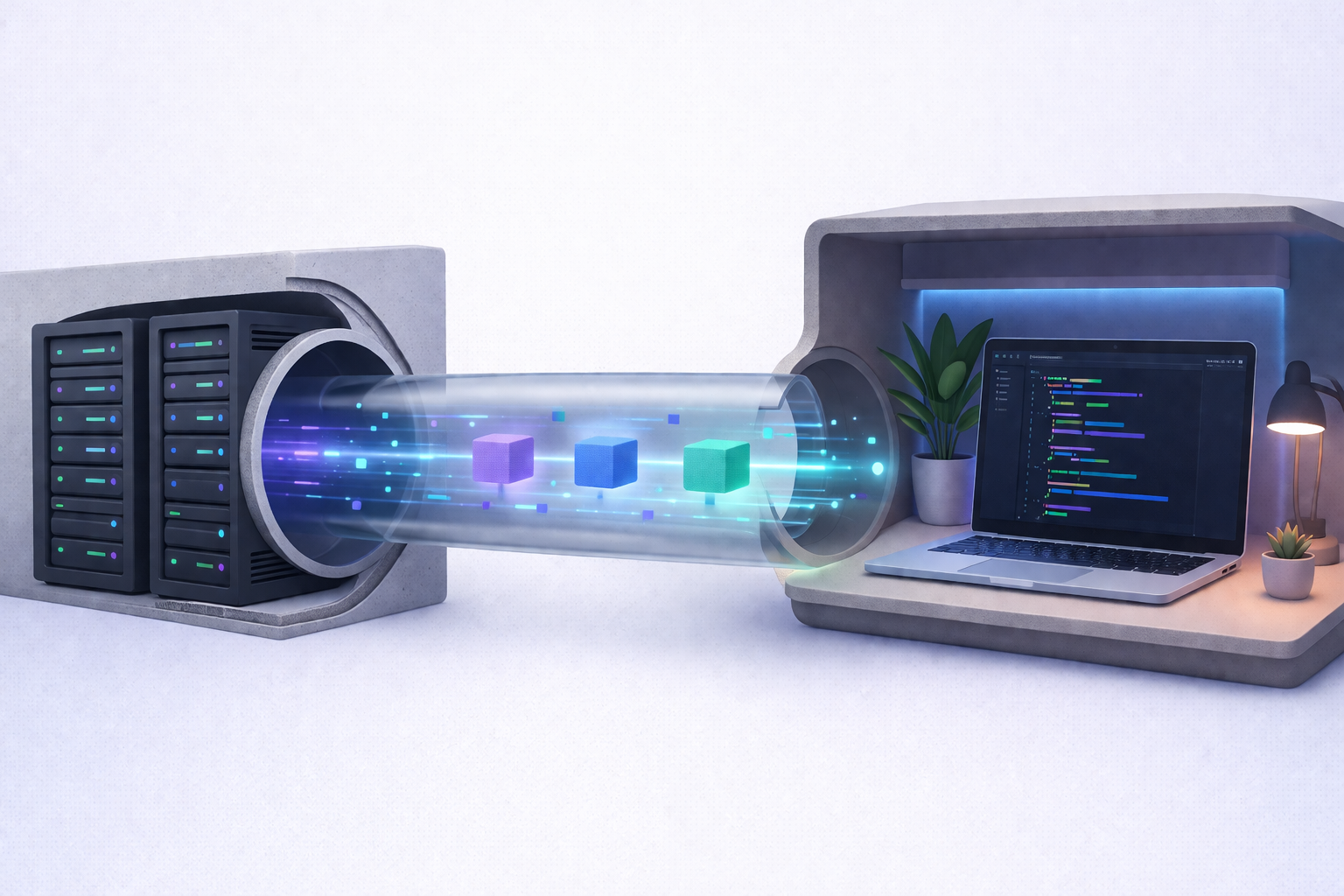
Continuous Integration was never meant to be interactive. It was designed to run tests, build artifacts, and deploy code automatically. Clean. Deterministic. Predictable.
But modern development is rarely predictable.
Sometimes your CI job fails in a way that doesn’t reproduce locally. Sometimes your staging setup behaves differently from your laptop. Sometimes you just need to step inside the running environment and see what’s really happening.
What if your CI pipeline wasn’t just a black box that runs and reports status? What if it became a live, interactive development environment?
Let’s explore how turning your CI pipeline into a live workspace changes the way teams debug, collaborate, and ship software.
The Traditional CI Pipeline: Efficient but Blind
A typical CI pipeline works like this:
- Push code
- Pipeline triggers
- Build runs
- Tests execute
- Status is reported
If something breaks, you read logs. If logs aren’t enough, you add more logging. Then commit again. Then wait again.
This feedback loop can be slow and frustrating, especially when:
- The failure only happens inside CI
- Environment differences cause hidden issues
- Debugging requires interactive inspection
- You need access to temporary runtime state
In traditional CI, you cannot “enter” the environment. You can only observe its output.
That limitation costs time.
Why CI Needs to Become Interactive
Modern systems are more complex than ever:
- Multi-service architectures
- Containerized workloads
- Ephemeral runners
- Parallelized builds
- Distributed test environments
The more layers we add, the harder it becomes to debug failures from static logs alone.
An interactive CI environment solves this by allowing you to:
- Open a web-based terminal inside the runner
- Launch a browser-based IDE (like VS Code)
- Expose services via secure tunnels
- Inspect live runtime state
- Modify and experiment in real time
Instead of guessing what happened, you step inside and see it.
That’s a fundamental shift.
What Does “Live Development Inside CI” Actually Mean?
Turning CI into a live environment means embedding tools directly into your pipeline run so that you can access it remotely and interactively.
This includes:
Web Terminal Access
You open a URL and gain shell access to the CI runner. No SSH keys. No manual setup. Just authenticated access to the running job.
Browser-Based IDE
You can run VS Code in the browser, connected directly to the CI environment. You explore files, edit configurations, and execute commands live.
Secure Cloud Tunnels
Need to expose a local service running in CI? Create a public URL via a secure tunnel. Share it with your team. Test webhooks. Demo features.
All of this happens inside the pipeline execution.
CI stops being passive. It becomes participatory.
Quick Start with ASD DevInCi
Here's what this looks like in practice — one step added to your GitHub Actions workflow:
name: Interactive CI Session
on: workflow_dispatch
jobs:
debug:
runs-on: ubuntu-latest
steps:
- uses: actions/checkout@v4
- uses: asd-engineering/asd-devinci@v1
with:
api-key: ${{ secrets.ASD_API_KEY }}
interface: ttyd # or 'codeserver' for VS Code
shell: bash
tunnel-name: debug</code></pre>
When the workflow runs, you get a clickable URL in the GitHub deployment — a live web terminal connected to your CI runner.
Real-World Use Cases
This isn’t theoretical. Teams are already using interactive CI environments for serious engineering work.
1. Debugging Failing Tests
A test fails only in CI. Locally, everything works.
Instead of guessing:
- Open the CI terminal
- Inspect environment variables
- Check dependency versions
- Re-run failing tests manually
You see the issue instantly.
2. Investigating Environment-Specific Bugs
CI runners may use different OS versions, network settings, or system libraries.
With interactive access, you can:
- Check system packages
- Inspect network behavior
- Analyze runtime processes
- Compare environment configs
No more blind troubleshooting.
3. Live Demos from CI
Need to demo a feature built in a PR?
Expose the running service via a secure tunnel and generate a temporary public URL. Share it with stakeholders instantly.
No staging deployment required.
4. CI/CD Workflow Development
Developing complex pipelines is hard. YAML files can be unforgiving.
With interactive CI:
- Test workflow behavior live
- Adjust configurations
- Validate scripts directly
- Experiment without repeated push cycles
You reduce trial-and-error iterations dramatically.
Architecture Behind Interactive CI
To convert CI into a live development environment, several components typically work together:
ASD DevInCi implements this architecture as a GitHub composite action. Under the hood, the connect script builds secure tunnel URLs:
# From scripts/connect.sh — Secure tunnel URL construction
NAME="${TUNNEL_NAME:-${CI_COMMIT:0:7}}"
Validate for DNS compatibility
if [[ ! "$NAME" =~ ^a-z0-9?$ ]]; then
ci_error "Invalid tunnel name '${NAME}'."
exit 1
fi
URL construction based on ownership type
if [ "$APPEND_USER_TO_SUBDOMAIN" = "true" ] && [ -n "$ASD_CLIENT_ID" ]; then
URL_HOST="${NAME}-${ASD_CLIENT_ID}.${ASD_TUNNEL_HOST}"
else
URL_HOST="${NAME}.${ASD_TUNNEL_HOST}"
fi
TUNNEL_URL="https://${URL_HOST}/"
1. Runner Environment
The CI runner (Linux, macOS, Windows) hosts the build job. This is where your code executes.
2. Web Terminal Server
Tools like ttyd expose a terminal over HTTP. Once authenticated, you access the shell through a browser.
3. Browser IDE (e.g., code-server)
This runs VS Code as a web service, connected to the file system inside the runner.
4. Secure Tunneling
A cloud tunnel connects the CI environment to the public internet securely. It avoids manual firewall or network configuration.
5. Authentication Layer
Access can be controlled via:
- API keys
- Temporary tokens
- Existing credentials
Security is essential. You’re exposing a live execution environment, so strict access control is mandatory.
Security Considerations
Opening CI environments to interactive access introduces risk if not handled correctly.
Key principles include:
- Ephemeral access: Sessions expire automatically
- Scoped authentication: Only authorized users can connect
- Temporary tunnels: URLs are not permanent
- Auditability: Access events are logged
- Least privilege: Limit exposed services
When implemented properly, interactive CI is secure by design and temporary by nature.
The environment disappears when the job finishes.
How This Changes DevOps Culture
This shift is more than technical. It changes how teams collaborate.
Faster Feedback Loops
Instead of pushing multiple commits to debug, engineers resolve issues in a single CI session.
Better Cross-Team Collaboration
Developers and DevOps engineers can:
- Join the same environment
- Reproduce issues together
- Share live URLs
Debugging becomes collaborative instead of asynchronous.
Reduced “Works on My Machine” Problems
Because debugging happens directly inside CI, environment inconsistencies shrink.
The CI runner becomes the source of truth.
From Automation to Augmentation
Traditional CI/CD focuses on automation. That remains essential.
But interactive CI augments automation with human intelligence.
Automation handles:
- Repetitive tasks
- Deterministic builds
- Continuous deployment
Interactive access handles:
- Edge-case debugging
- Exploratory troubleshooting
- Complex environment investigation
The result is a hybrid model: automated execution with optional human intervention.
When Should You Use Live CI?
Interactive CI isn’t required for every workflow.
It makes the most sense when:
- Pipelines are complex
- Debugging consumes significant time
- CI-only failures are common
- You need temporary external access to CI services
- You develop reusable workflow templates
If your pipeline is simple and stable, automation alone may be enough.
But for advanced teams building distributed systems, interactive CI becomes a powerful multiplier.
The Future of CI/CD
CI pipelines are evolving.
They started as simple build scripts.
They became automated delivery systems.
Now they are becoming programmable, interactive environments.
The boundary between local development, CI, and cloud infrastructure is dissolving.
Imagine a workflow where:
- You push code
- CI runs
- You step inside instantly
- You debug live
- You deploy confidently
That’s not theoretical anymore.
It’s the next logical step in DevOps maturity.
Conclusion
Turning your CI pipeline into a live development environment fundamentally changes how you build, debug, and ship software.
Instead of treating CI as a black box, you transform it into a transparent, interactive workspace. Web terminals, browser-based IDEs, and secure tunnels allow engineers to step directly into the runtime environment — reducing debugging time, improving collaboration, and accelerating delivery.
Automation remains the backbone of CI/CD. But when automation meets interactivity, teams gain a new level of control and insight.
CI no longer just runs your code.
It becomes a place where you work.

ASD Team
The team behind ASD - Accelerated Software Development. We're passionate developers and DevOps enthusiasts building tools that help teams ship faster. Specialized in secure tunneling, infrastructure automation, and modern development workflows.