The Limits of Cloud-Based Development Environments
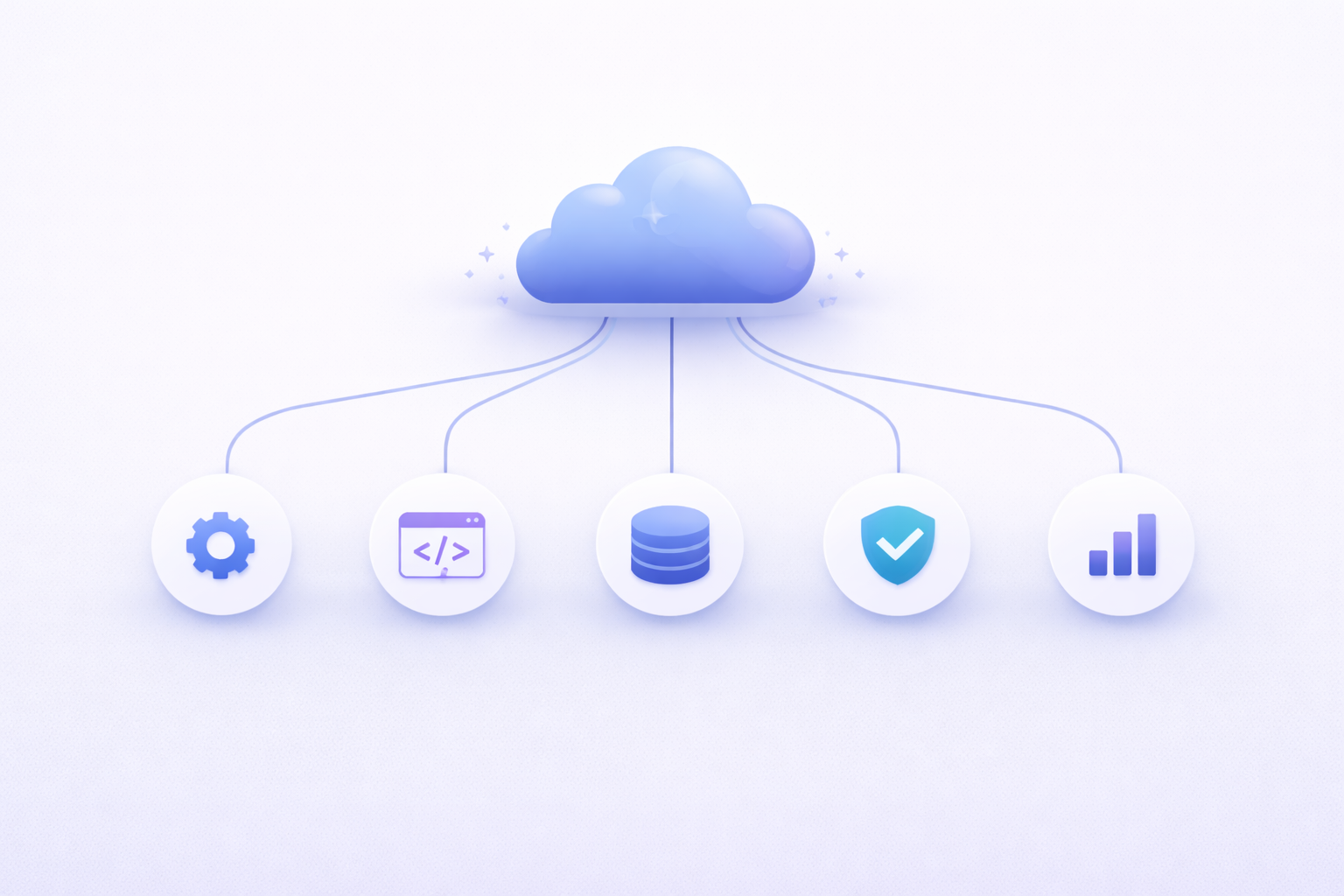
What Are Cloud-Based Development Environments
How They Work in Practice
Cloud-based development environments sound almost magical at first. You open a browser, log into a platform, and suddenly you have a full development setup—editor, terminal, dependencies, and runtime—all running somewhere in the cloud. No installations, no “works on my machine” headaches, no lengthy onboarding. Everything is preconfigured and ready to go.
In practice, these environments rely on remote servers that host your development workspace. Tools like GitHub Codespaces, Gitpod, and AWS Cloud9 spin up virtual machines or containers that mirror a development environment. You interact with them through a browser or a lightweight client, sending commands over the internet and receiving results in real time.
It feels seamless—until you start noticing the subtle friction. Every keystroke, every file save, every command has to travel across the network. Even with fast connections, there’s always a slight delay compared to working locally. It’s like typing on a keyboard that’s connected to a computer in another room—you might not notice it at first, but over time, it adds up.
Another thing that becomes clear is how abstracted everything is. You don’t really “own” the environment. You’re renting it, temporarily. If something breaks, you often don’t have full control to fix it deeply—you rely on the platform’s constraints and capabilities. That’s convenient when things work, but limiting when they don’t.
Cloud environments are incredibly powerful, especially for standardization and quick setup. But they’re not a perfect replacement for local development—they’re a different paradigm with its own trade-offs.
Why Developers Are Moving to the Cloud
So why are so many developers making the shift? The answer comes down to convenience, scalability, and collaboration. Setting up a local development environment can be time-consuming, especially for large projects with complex dependencies. Cloud environments eliminate that friction by providing preconfigured setups that work instantly.
For teams, this is a game changer. New developers can onboard in minutes instead of hours or days. There’s no need to worry about matching versions, installing dependencies, or troubleshooting environment issues. Everything is standardized, which reduces inconsistencies across the team.
Cloud environments also shine in collaborative scenarios. Multiple developers can work on the same setup, share configurations, and even debug issues together in real time. It’s like Google Docs, but for code.
Scalability is another major advantage. Need more resources? Just scale up your environment. Want to test something in a different configuration? Spin up a new instance. This flexibility is hard to achieve with local machines.
But here’s the interesting part: the very strengths that make cloud environments appealing also introduce new limitations. Convenience often comes at the cost of control. Standardization can reduce flexibility. And reliance on the cloud introduces dependencies that don’t exist in local setups.
That’s where the limits start to show.
The Performance Trade-Offs
Latency and Responsiveness Issues
Performance is one of the first cracks developers notice when using cloud-based environments long-term. Even with a fast internet connection, latency is unavoidable. Every action—typing, scrolling, running commands—has to travel to a remote server and back. It’s not just about speed; it’s about responsiveness.
At first, the delay might feel negligible. But over hours of coding, those milliseconds start to accumulate. The editor might feel slightly less snappy, terminal commands might lag, and real-time feedback becomes just a bit slower than what you’d expect locally.
This becomes especially noticeable in tasks that require precision and speed, like navigating large codebases or editing multiple files quickly. Developers often rely on muscle memory and instant feedback, and even small delays can disrupt that flow.
There’s also the issue of network variability. Your experience depends heavily on your internet connection. A stable fiber connection might feel smooth, but switch to a slower or unstable network, and the experience degrades quickly.
In contrast, local environments provide near-instant feedback because everything runs on your machine. There’s no network in the middle. That immediacy is hard to replicate in the cloud, no matter how optimized the platform is.
Resource Constraints Compared to Local Machines
Another limitation is resource allocation. Cloud environments typically run on shared infrastructure, which means you’re often working within predefined limits—CPU, memory, storage. While you can scale up, it usually comes at an additional cost.
On a local machine, you have full control over your hardware. If you’ve got a powerful setup, you can push it to its limits without worrying about usage fees or restrictions. In the cloud, every extra resource is something you pay for.
There’s also the issue of performance consistency. In shared environments, resource contention can occur, leading to unpredictable performance. Your build might run fast one moment and slow the next, depending on the system load.
Heavy workloads—like compiling large projects, running data-intensive processes, or training models—can quickly expose these limitations. While cloud platforms offer powerful instances, they’re not always practical for everyday development due to cost.
So while cloud environments offer flexibility, they don’t always match the raw, consistent performance of a well-equipped local machine.
Dependency on Internet Connectivity
Offline Work Limitations
One of the most obvious—and often underestimated—limitations of cloud-based development is the complete reliance on internet connectivity. No connection, no work. It’s that simple.
This becomes a real issue in situations where internet access is unreliable. Traveling, working from remote areas, or even dealing with temporary outages can bring your workflow to a halt. Unlike local environments, where you can continue working offline, cloud setups offer no such fallback.
Even when you do have internet, quality matters. High latency, packet loss, or unstable connections can make the development experience frustrating. It’s not just about being online—it’s about having a consistently strong connection.
There’s also a psychological aspect to this dependency. Knowing that your ability to work is tied to external infrastructure can feel limiting. With local development, your environment is always available, regardless of external conditions.
For developers who value flexibility and independence, this reliance on connectivity can be a dealbreaker.
Security and Privacy Concerns
Data Exposure Risks
When you move your development environment to the cloud, you’re not just changing where your code runs—you’re changing who has potential access to it. That’s where security concerns start to creep in. Even if providers implement strong safeguards, your source code, environment variables, and credentials are now stored and processed on remote infrastructure.
This introduces a new category of risk: data exposure. Misconfigured permissions, leaked access tokens, or vulnerabilities in the platform itself can lead to unauthorized access. And unlike local environments, where access is physically limited to your machine, cloud environments are accessible over the internet by design.
There’s also the issue of multi-tenancy. Many cloud platforms run multiple users on shared infrastructure. While isolation mechanisms are in place, the idea that your environment exists alongside others can be unsettling—especially for sensitive projects.
Another subtle risk comes from integrations. Cloud development environments often connect with repositories, CI/CD pipelines, and third-party services. Each integration expands the attack surface. A weak link in any part of that chain can compromise the entire system.
For individual developers, this might feel like an acceptable trade-off. But for companies handling proprietary or sensitive data, the stakes are much higher. Security isn’t just about preventing breaches—it’s about maintaining trust.
Compliance and Regulatory Challenges
Beyond security, there’s a whole layer of compliance and regulation that cloud environments complicate. Industries like healthcare, finance, and government operate under strict data protection laws. These regulations often dictate where data can be stored, how it must be handled, and who can access it.
Cloud providers usually offer compliance certifications, but that doesn’t automatically make your setup compliant. Responsibility is shared. You still need to configure your environment correctly, manage access controls, and ensure that your workflows meet regulatory standards.
Data residency is a particularly tricky issue. If your cloud environment stores data in a different country, you might unintentionally violate regional laws like GDPR. And tracking exactly where your data lives in a distributed cloud system isn’t always straightforward.
Auditing is another challenge. Compliance often requires detailed logs and traceability. While cloud platforms provide tools for this, integrating them into your development workflow can add complexity.
In short, cloud environments don’t eliminate compliance concerns—they shift them into a more complex, distributed context. And navigating that landscape requires careful planning.
Cost Implications Over Time
Hidden Costs and Scaling Expenses
At first glance, cloud-based development environments can seem cost-effective. Many platforms offer free tiers or low entry costs, making them attractive for individuals and small teams. But over time, the true cost starts to reveal itself.
Unlike a one-time investment in a local machine, cloud environments operate on a pay-as-you-go model. You’re charged for compute time, storage, bandwidth, and sometimes even idle resources. And those small charges can quietly accumulate.
For example, leaving an environment running overnight might not seem like a big deal—but multiply that across a team and over weeks, and it becomes a noticeable expense. Add in the cost of scaling resources for heavier workloads, and the numbers climb quickly.
There are also indirect costs. Slower performance due to latency can reduce developer productivity. Time spent managing cloud configurations, permissions, and billing can add overhead. These aren’t always visible on an invoice, but they impact the overall efficiency of your team.
Here’s a simple comparison:
|
Aspect |
Local Development |
Cloud Development |
|
Initial Cost |
High (hardware) |
Low |
|
Ongoing Cost |
Minimal |
Variable, ongoing |
|
Scalability |
Limited |
High (paid) |
|
Hidden Costs |
Low |
Moderate to High |
The key takeaway is that cloud environments shift costs from upfront investment to ongoing operational expenses. And without careful management, those expenses can exceed expectations.
Limited Customization and Control
Restrictions Compared to Local Environments
One of the less obvious downsides of cloud-based development is the loss of control. In a local environment, you can configure everything exactly the way you want. Install any tool, modify system settings, experiment freely—your machine, your rules.
In the cloud, you’re working within predefined boundaries. Providers offer flexibility, but it’s still limited by what they support. Want to install a niche tool or tweak low-level system settings? You might find yourself hitting restrictions.
This becomes particularly frustrating for advanced users or specialized workflows. Developers working with embedded systems, custom kernels, or experimental tools often need deeper access than cloud environments allow.
There’s also the issue of updates and changes. Cloud platforms evolve continuously, sometimes introducing changes that affect your workflow. You don’t always have the option to delay or control these updates.
In a way, using a cloud environment is like renting a furnished apartment. It’s convenient and ready to use, but you can’t knock down walls or redesign the layout. For some developers, that’s perfectly fine. For others, it’s a dealbreaker.
Vendor Lock-In Risks
Migration Challenges
Vendor lock-in is one of those problems that doesn’t seem urgent—until it is. When you build your workflow around a specific cloud platform, you become dependent on its tools, configurations, and ecosystem.
At first, this feels like a benefit. Everything is integrated, optimized, and easy to use. But over time, switching to another platform becomes increasingly difficult. Your environment configurations, scripts, and workflows are tailored to a specific provider.
Migrating away can be complex and time-consuming. You may need to rewrite configurations, adapt to different tools, and retrain your team. In some cases, certain features or integrations simply don’t exist elsewhere.
There’s also the risk of pricing changes. If a provider increases costs or alters its pricing model, your options may be limited. You’re already invested in the ecosystem, and moving away isn’t trivial.
Vendor lock-in doesn’t mean you shouldn’t use cloud environments—but it does mean you should plan for flexibility. Using open standards, avoiding proprietary features when possible, and maintaining portable configurations can help reduce this risk.
Collaboration vs Independence
When Collaboration Becomes a Bottleneck
Cloud-based development environments are often praised for their collaboration features—and for good reason. Real-time sharing, standardized setups, and easy onboarding make teamwork smoother. But collaboration isn’t always an advantage.
In some cases, it can become a bottleneck. Shared environments can lead to resource contention, where multiple developers compete for the same resources. This can slow down workflows and create dependencies between team members.
There’s also the issue of autonomy. In highly standardized environments, developers may feel constrained by team-wide configurations. While this ensures consistency, it can limit individual productivity and experimentation.
Collaboration tools can also introduce complexity. Managing permissions, access controls, and shared resources requires coordination. Without clear processes, things can quickly become chaotic.
Local environments, by contrast, offer complete independence. Developers can work at their own pace, experiment freely, and avoid conflicts with others. The challenge is finding the right balance between collaboration and autonomy.
When Local Development Still Wins
Hybrid Approaches
Despite the rise of cloud-based tools, local development isn’t going anywhere. In fact, many teams are adopting hybrid approaches that combine the best of both worlds.
For example, developers might use local environments for day-to-day coding, benefiting from speed and control, while leveraging the cloud for testing, scaling, and collaboration. This approach minimizes the limitations of each model while maximizing their strengths.
Hybrid setups also provide flexibility. You can work offline when needed, switch to cloud environments for specific tasks, and avoid being fully dependent on a single system.
Another advantage is cost optimization. By using cloud resources selectively, you can reduce expenses while still taking advantage of scalability when necessary.
The key is to treat cloud environments as a tool—not a replacement. They’re incredibly powerful, but they’re not the answer to every problem.
Conclusion
Cloud-based development environments have transformed the way developers work, offering convenience, scalability, and collaboration like never before. But they’re not without limitations. From performance trade-offs and connectivity dependence to security concerns and hidden costs, the challenges are real and worth considering.
What’s interesting is that these limitations don’t make cloud environments bad—they make them contextual. The right choice depends on your needs, your workflow, and your priorities. For some teams, the benefits far outweigh the drawbacks. For others, local or hybrid approaches remain the better option.
Understanding these limits isn’t about rejecting the cloud—it’s about using it wisely. When you know where it falls short, you can design workflows that avoid those pitfalls and get the best of both worlds.

Oleh Kokhan
I work at the intersection of technology, products, and people. As a marketer inside a technology-driven company, my role goes far beyond promotion or visibility. I focus on making complex technical products understandable, credible, and valuable to the right audiences — engineers, founders, platform teams, and decision-makers. I translate engineering reality into clear positioning, narratives, and market signals without oversimplifying or distorting the truth. My work starts from how the product actually functions: infrastructure, workflows, constraints, and real-world use cases — not from assumptions or buzzwords. I believe that strong marketing in a technical company is built on respect for the product, the engineers behind it, and the users who rely on it.