The Gap Between Development and Production Environments
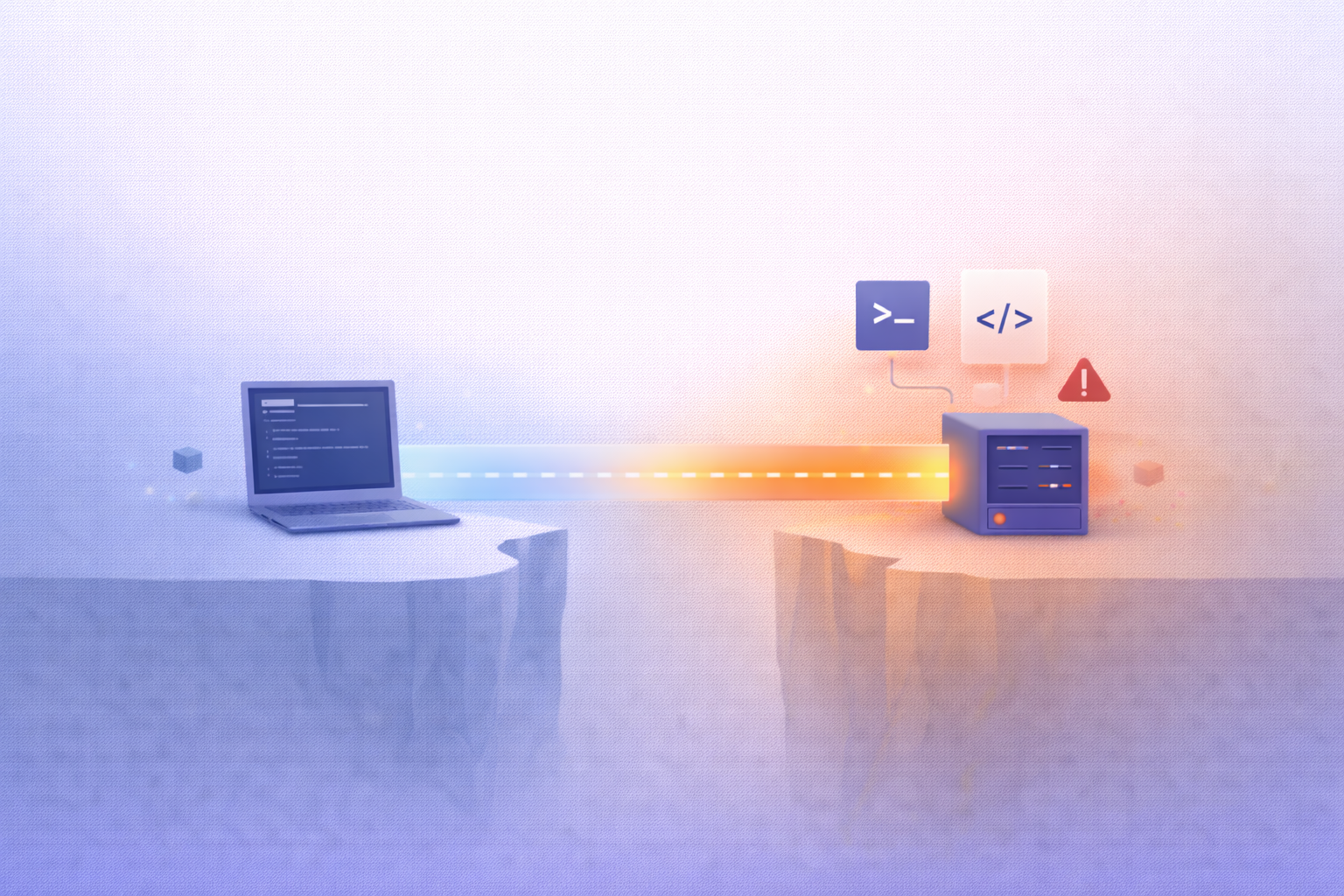
Understanding Development vs Production
What Is a Development Environment
A development environment is where ideas are born, tested, broken, and rebuilt again. It’s the sandbox where developers experiment freely without worrying about real users or real-world consequences. Think of it as a creative workshop—messy, flexible, and often highly personalized. Developers install tools they prefer, tweak configurations, and sometimes even cut corners just to move faster. And honestly, that’s not a bad thing. Speed and flexibility are the lifeblood of innovation.
But here’s the catch: this freedom comes at a cost. Development environments are rarely perfect replicas of reality. A developer might be running a different operating system, using a slightly newer library version, or working with mock data instead of real datasets. These small differences seem harmless at first, but they can quietly stack up into major inconsistencies.
Another subtle issue is that development setups often prioritize convenience over accuracy. For example, security settings might be relaxed, performance optimizations ignored, and external integrations stubbed out. It’s like testing a race car engine without ever putting it on an actual track. Everything looks fine—until it isn’t.
So while development environments are essential for building software quickly, they can unintentionally create blind spots. And those blind spots are exactly where the gap between development and production begins to form.
What Is a Production Environment
The production environment, on the other hand, is where everything becomes real. This is where your application meets actual users, handles real data, and operates under real-world pressure. There’s no room for shortcuts here. Stability, security, and performance aren’t just nice-to-haves—they’re non-negotiable.
Unlike development environments, production systems are tightly controlled. Configurations are locked down, access is restricted, and every change is scrutinized. Even a small mistake can lead to downtime, data loss, or security breaches. That’s why production environments are often managed by dedicated operations or DevOps teams who specialize in maintaining reliability at scale.
What makes production particularly challenging is its unpredictability. Real users don’t behave like test scripts. They click things you didn’t expect, input strange data, and use the system in ways you never imagined. On top of that, production systems must handle varying loads—sometimes thousands or millions of users simultaneously.
There’s also the infrastructure factor. Production often runs on distributed systems, cloud platforms, load balancers, and databases configured for high availability. These setups are far more complex than what most developers use locally. Even if the code is identical, the environment it runs in can produce completely different results.
In essence, production is the ultimate proving ground. And if your development environment doesn’t closely mirror it, you’re essentially testing under artificial conditions—setting yourself up for surprises later.
Why the Gap Exists
Configuration Differences
One of the biggest reasons the gap exists is configuration drift. It sounds technical, but the idea is simple: small differences in setup can lead to big differences in behavior. Maybe your development machine uses Node.js version 18, while production is still on version 16. Or perhaps a feature flag is enabled locally but disabled in production.
These mismatches often go unnoticed until something breaks. And when it does, it’s rarely obvious why. Developers might spend hours debugging code that isn’t actually the problem. The real culprit? A tiny configuration detail buried somewhere deep in the system.
Environment variables are another common source of trouble. API keys, database URLs, and feature toggles can vary between environments, and even a single incorrect value can cause failures. It’s like trying to bake a cake with slightly different ingredients—you might still get something edible, but it won’t turn out the way you expected.
Over time, these configuration differences accumulate, creating a widening gap between development and production. And the more complex your system becomes, the harder it is to keep everything aligned.
Data Discrepancies
Data is another major factor that fuels the gap. In development, teams often use mock data or small, sanitized datasets. It’s faster, safer, and easier to manage. But it’s also far from realistic. Real-world data is messy, unpredictable, and full of edge cases.
For example, a query that runs instantly on a small dataset might take several seconds—or even crash—when applied to millions of records in production. Similarly, edge cases like null values, unexpected formats, or duplicate entries might never appear in development but show up frequently in production.
There’s also the issue of data relationships. Production databases often have complex interdependencies that are hard to replicate locally. Without these relationships, certain bugs simply can’t be reproduced during development.
In a way, relying on simplified data is like training for a marathon by jogging around your backyard. You might feel prepared, but the real challenge hits when you step onto the actual course.
Why the Gap Exists (Continued)
Infrastructure Variations
Infrastructure is where things start to get really tricky. In development, most applications run on a single machine—your laptop or a simple virtual environment. In production, that same application might be running across multiple servers, containers, regions, and services. That’s not just a scale difference—it’s an entirely different ecosystem.
For example, in development, you might connect directly to a local database with minimal latency. In production, that database could be hosted in a different region, behind a load balancer, with replication and failover mechanisms in place. Suddenly, network latency, timeouts, and concurrency issues become real concerns. Code that worked perfectly in development may struggle under these new conditions.
Then there’s the cloud factor. Platforms like AWS, Azure, and Google Cloud introduce layers of abstraction—auto-scaling groups, serverless functions, managed services—all of which behave differently than local setups. Even something as simple as file storage can change drastically when moving from a local disk to distributed object storage like S3.
Another overlooked aspect is resource availability. Your development machine might have plenty of CPU and memory available for a single application. In production, resources are shared, limited, and carefully allocated. If your application isn’t optimized, it can quickly run into bottlenecks.
Infrastructure differences are like testing a boat in a swimming pool and then launching it into the ocean. The fundamentals may be the same, but the environment changes everything.
Real-World Consequences of the Gap
Bugs That Only Appear in Production
Every developer has encountered this frustrating moment: everything works perfectly during development, but once deployed, things start breaking. These are the infamous production-only bugs, and they’re often the direct result of environmental differences.
These bugs are particularly dangerous because they’re hard to reproduce. Without the exact same conditions as production, debugging becomes a guessing game. Developers might try to simulate the issue locally, but without matching data, configurations, and infrastructure, they’re essentially working in the dark.
Sometimes the issue lies in concurrency—multiple users interacting with the system at once. Other times, it’s related to timing, such as race conditions or delayed responses from external services. These scenarios rarely show up in development, where everything is controlled and predictable.
The real cost here isn’t just technical—it’s reputational. Users don’t care that the bug didn’t appear in development. From their perspective, the system is broken. And in a competitive market, even small glitches can drive users away.
Performance Issues
Performance is another area where the gap becomes painfully obvious. An application that feels fast and responsive in development can become sluggish or even unusable in production. Why? Because development environments rarely simulate real-world load.
In production, your application might need to handle thousands of simultaneous requests, process large volumes of data, and integrate with multiple external services—all at once. This creates stress that simply doesn’t exist in development.
A common example is database performance. Queries that run instantly on a small dataset can become painfully slow when scaled up. Without proper indexing or optimization, these queries can bring the entire system to a halt.
There’s also the issue of network latency. In development, everything is usually local, so communication is nearly instantaneous. In production, requests travel across networks, introducing delays that can affect user experience.
Performance issues are particularly insidious because they often build up gradually. Everything might seem fine at first, but as usage grows, cracks begin to appear. And by the time they’re noticeable, fixing them can be significantly more complex.
The Role of “It Works on My Machine”
Developer Isolation Problems
“It works on my machine” has become a running joke in the tech world—but behind the humor lies a serious problem. This phrase perfectly captures the disconnect between individual development environments and the shared reality of production.
Developers often customize their setups to suit their preferences. Different operating systems, editors, dependencies, and tools all contribute to a unique environment. While this boosts productivity, it also creates inconsistencies across the team.
When a bug appears, one developer might not be able to reproduce it because their environment behaves differently. This leads to confusion, delays, and sometimes even blame-shifting. The problem isn’t the code—it’s the lack of consistency.
Isolation also affects onboarding. New team members may struggle to set up their environments correctly, leading to subtle differences that cause issues later. Without standardized setups, every developer is essentially working in their own version of reality.
Bridging this gap requires more than just better communication—it demands a shift toward shared, reproducible environments. Otherwise, “it works on my machine” will continue to be a barrier to reliable software delivery.
Strategies to Bridge the Gap
Environment Parity
One of the most effective ways to reduce the gap is achieving environment parity—making development and production as similar as possible. This doesn’t mean they have to be identical, but the closer they are, the fewer surprises you’ll encounter.
This includes aligning operating systems, runtime versions, dependencies, and configurations. Even small details, like time zones or locale settings, can make a difference. The goal is to eliminate variables that could cause discrepancies.
Achieving parity often requires discipline and automation. Manual setups are prone to errors, so teams should rely on scripts and configuration management tools to ensure consistency. When done correctly, this creates a predictable environment where code behaves the same way everywhere.
Containerization and Docker
Containerization has become a game-changer in solving environment inconsistencies. Tools like Docker allow developers to package applications along with their dependencies into portable containers. These containers can run consistently across different environments, from development to production.
Think of containers as standardized shipping boxes. No matter where they go, their contents remain the same. This eliminates the “it works on my machine” problem by ensuring that everyone runs the exact same setup.
Containers also make it easier to replicate production environments locally. Developers can spin up complex systems with multiple services, databases, and configurations—all with a single command. This dramatically reduces the gap and improves confidence in deployments.
CI/CD Pipelines
Continuous Integration and Continuous Deployment (CI/CD) pipelines play a crucial role in bridging the gap. They automate the process of building, testing, and deploying applications, ensuring consistency at every stage.
With CI/CD, code changes are automatically tested in environments that closely resemble production. This helps catch issues early, before they reach users. It also enforces standards, reducing the likelihood of configuration drift.
Automation removes human error from the equation. Instead of relying on manual processes, teams can trust that deployments follow a consistent, repeatable workflow. This not only improves reliability but also speeds up development cycles.
Observability and Monitoring
Logging and Metrics
Even with the best preparation, issues can still arise in production. That’s where observability comes in. By collecting logs, metrics, and traces, teams can gain insight into how their systems behave in real time.
Logging helps track what’s happening inside the application, while metrics provide quantitative data like response times and error rates. Together, they create a comprehensive picture of system health.
Monitoring tools can alert teams when something goes wrong, allowing them to respond quickly. Without observability, diagnosing production issues becomes significantly harder, especially when they can’t be reproduced in development.
In many ways, observability acts as a safety net. It doesn’t eliminate the gap, but it makes it manageable by providing the visibility needed to understand and fix problems.
Best Practices for Teams
Collaboration Between Dev and Ops
Bridging the gap isn’t just a technical challenge—it’s a cultural one. Developers and operations teams need to work closely together, sharing knowledge and responsibilities. This is the essence of DevOps.
When teams collaborate, they can align their goals and ensure that environments are consistent. Developers gain a better understanding of production constraints, while operations teams become more familiar with the application’s behavior.
This collaboration reduces friction and improves communication, leading to more reliable deployments and faster issue resolution.
Infrastructure as Code
Infrastructure as Code (IaC) takes the guesswork out of environment setup. By defining infrastructure in code, teams can create consistent, repeatable environments across development and production.
Tools like Terraform and CloudFormation allow teams to version-control their infrastructure, making changes transparent and auditable. This reduces configuration drift and ensures that environments remain aligned over time.
IaC also makes it easier to scale and adapt. Need to replicate your production environment for testing? With IaC, it’s just a matter of running a script.
Conclusion
The gap between development and production environments isn’t just an inconvenience—it’s one of the most persistent challenges in modern software development. It shows up in subtle ways, from configuration mismatches to data inconsistencies, and can lead to bugs, performance issues, and frustrated users.
Closing this gap requires a combination of technical solutions and cultural shifts. From containerization and CI/CD pipelines to collaboration and observability, every step toward alignment reduces risk and improves reliability.
At its core, the goal is simple: create an environment where what you build is exactly what you run. When development and production move in sync, software becomes more predictable, deployments become smoother, and teams can focus on innovation rather than firefighting.

ASD Team
The team behind ASD - Accelerated Software Development. We're passionate developers and DevOps enthusiasts building tools that help teams ship faster. Specialized in secure tunneling, infrastructure automation, and modern development workflows.