Local vs CI Environments: Where Things Break and Why
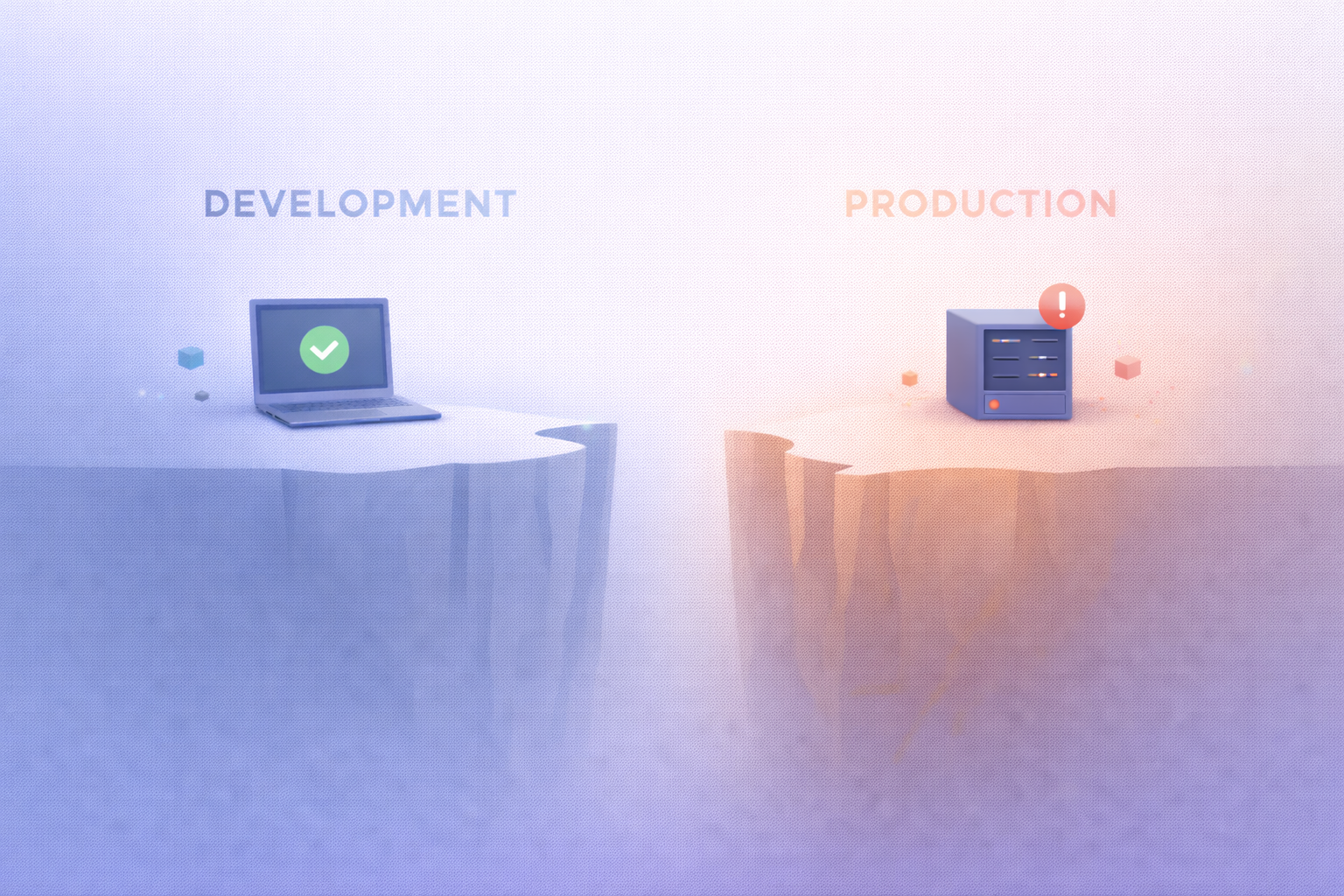
Understanding Local and CI Environments
What Is a Local Development Environment
When developers talk about their local environment, they’re referring to the setup on their personal machine where they write, test, and experiment with code. This environment is often highly customized—sometimes intentionally, sometimes accidentally. You might have specific versions of Node.js, Python, or Java installed, along with globally installed packages, cached dependencies, and environment variables that have quietly accumulated over time.
Here’s the catch: local environments are rarely clean or reproducible. You install something once, forget about it, and it just keeps working. That convenience is great for productivity but terrible for consistency. It’s like cooking in your own kitchen—you know exactly where everything is, and you’ve already adjusted the stove to your liking. But if someone else tries to follow your recipe in a different kitchen, things might turn out very differently.
Another key aspect is that local environments often include implicit assumptions. Maybe your system has a certain file path structure, or your OS handles line endings differently. Perhaps you have background services running that your app silently depends on. These hidden dependencies don’t show up in your codebase, but they absolutely affect how your application behaves.
This is why developers often say, “It works on my machine.” It’s not an excuse—it’s a symptom of environmental drift. And unless you actively manage that drift, your local setup becomes a unique snowflake that no one else, including your CI system, can replicate.
What Is a CI Environment
A Continuous Integration (CI) environment is designed to be the exact opposite of your local setup. Instead of being personalized and evolving, it’s meant to be clean, consistent, and reproducible. Every time a CI pipeline runs, it typically starts from scratch—spinning up a fresh environment, installing dependencies, and executing your build and tests in a controlled setting.
Think of CI as a sterile lab. Nothing is assumed, everything is explicit. If your project needs a dependency, it must be declared. If it requires an environment variable, it must be configured. There’s no room for “it just happens to be there.”
CI systems like GitHub Actions, GitLab CI, or Jenkins are intentionally strict. They expose weaknesses in your setup by removing all the invisible support your local environment provides. This is why builds often fail in CI even when everything seems fine locally.
Another important difference is automation and scale. CI environments often run multiple jobs in parallel, across different machines, sometimes even across different operating systems. This introduces variability that your local machine doesn’t experience. It’s like stress-testing your code under conditions it wasn’t originally designed for.
In essence, CI environments act as a reality check. They answer a critical question: “Will this code work anywhere, or just on your laptop?” And more often than developers expect, the answer is the latter—at least initially.
Key Differences Between Local and CI Systems
Environment Configuration Gaps
One of the most common sources of failure between local and CI environments is configuration mismatch. Your local machine might have environment variables set in your shell profile, while your CI pipeline relies on explicitly defined variables in configuration files or secrets management systems.
These gaps can be surprisingly subtle. For example, you might have a default database URL configured locally, but in CI, that variable is missing or points to a different service. Suddenly, your tests fail—not because your code is broken, but because the environment isn’t aligned.
Another issue is tooling versions. You might be using Node.js 18 locally, while your CI pipeline uses Node.js 16. Even minor version differences can introduce breaking changes, especially in ecosystems that evolve rapidly. The same applies to package managers, compilers, and system libraries.
Configuration drift also happens over time. As you update your local setup, your CI configuration might lag behind. Without regular synchronization, these environments slowly diverge until failures become inevitable.
Dependency Management Issues
Dependencies are another major culprit. Locally, you might have cached or globally installed packages that your project accidentally relies on. In CI, those packages don’t exist unless explicitly installed.
This is where lock files become critical. Tools like package-lock.json, yarn.lock, or poetry.lock ensure that the exact same dependency versions are installed everywhere. Without them, your local environment might resolve dependencies differently than CI, leading to inconsistent behavior.
There’s also the issue of transitive dependencies. A package you rely on might depend on another package that introduces a breaking change. If your local cache still has the old version, everything works. But CI, starting fresh, pulls the latest version—and suddenly your build fails.
Dependency issues often feel random, but they’re not. They’re a direct result of environments not being deterministic. And until you enforce strict version control, these problems will keep resurfacing.
Common Reasons Code Works Locally but Fails in CI
Missing Environment Variables
Environment variables are like invisible wires holding your application together. Locally, they’re often set once and forgotten. In CI, they must be explicitly defined every time.
A missing API key, database URL, or feature flag can cause tests to fail or applications to crash. What makes this tricky is that the error messages aren’t always clear. You might see a generic failure without realizing it’s due to a missing variable.
This is especially common in projects that integrate with external services. Locally, you might be using a mock or a cached credential. In CI, that setup doesn’t exist unless you recreate it.
The solution is simple in theory: make all dependencies explicit. But in practice, it requires discipline. Every variable your app depends on should be documented and configured in your CI pipeline.
File System Differences
File systems behave differently across operating systems. Your local machine might be macOS or Windows, while your CI environment is often Linux. These differences can lead to subtle bugs.
For example, macOS uses a case-insensitive file system by default, while Linux is case-sensitive. A file named Config.js might work locally even if you import it as config.js. In CI, that mismatch will cause a failure.
Line endings are another common issue. Windows uses CRLF, while Unix-based systems use LF. This can affect scripts, tests, and even version control behavior.
Permissions also play a role. A script that runs fine locally might fail in CI because it lacks executable permissions. These issues are easy to overlook but can completely break your pipeline.
Hidden Factors That Break CI Pipelines
Time, Locale, and OS Variations
Some of the most frustrating CI failures come from factors that feel almost invisible until they break everything. Time zones, system locale, and operating system behavior can introduce inconsistencies that are incredibly hard to reproduce locally unless you know exactly what to look for.
Let’s start with time. Imagine your test suite includes date-based logic—maybe you’re validating expiration timestamps or sorting events chronologically. On your local machine, everything passes because your system time zone is set to your region. But your CI environment might default to UTC. Suddenly, tests that depend on “current time” start failing, and nothing seems obviously wrong. This isn’t a bug in your logic—it’s a mismatch in assumptions.
Locale adds another layer of complexity. Formatting for numbers, currencies, and dates can vary depending on system settings. A test expecting 1,000.50 might fail in an environment that formats it as 1.000,50. These aren’t edge cases—they’re real-world differences that CI exposes because it strips away your local defaults.
Operating system differences amplify all of this. Even something as simple as sorting strings can behave differently across platforms due to underlying libraries. If your CI runs on Linux but you develop on macOS or Windows, these inconsistencies can surface in surprising ways.
The key insight here is that CI environments are deliberately neutral, while local environments are deeply personal. If your code relies on implicit system behavior, CI will eventually expose it. The fix isn’t to “tweak CI until it passes,” but to make your code explicit about time zones, locales, and OS assumptions.
Parallel Execution and Race Conditions
Another hidden source of CI failures is parallelism. CI systems are designed for speed, so they often run tests concurrently across multiple threads or containers. Locally, you might run tests sequentially without even realizing it. That difference alone can reveal a whole category of bugs.
Race conditions are the usual suspects here. These occur when multiple processes access shared resources—like files, databases, or in-memory data—without proper synchronization. Locally, everything might “just work” because operations happen in a predictable order. In CI, parallel execution introduces unpredictability, and suddenly tests start failing intermittently.
These failures are the worst kind: flaky, inconsistent, and hard to debug. You rerun the pipeline, and it passes. Run it again, and it fails. It feels random, but it’s not—it’s timing.
Another angle is resource contention. CI environments often have limited CPU and memory compared to your local machine. Tests that rely on performance timing or assume instant execution might break under constrained conditions. For example, a test expecting a response within 100ms might fail simply because the CI runner is under load.
The only reliable way to handle this is to design tests that are isolated, deterministic, and independent of execution order. If tests share state, they’re a ticking time bomb in CI.
How to Align Local and CI Environments
Using Containers for Consistency
If there’s one tool that has fundamentally changed how developers handle environment consistency, it’s containers, especially Docker. Containers allow you to define your environment once and run it anywhere—locally, in CI, or in production—with minimal differences.
Think of a container as a snapshot of everything your application needs: OS, runtime, dependencies, and configuration. Instead of relying on your machine’s setup, you package everything into a reproducible unit. This eliminates the “works on my machine” problem almost entirely.
For example, if your CI pipeline uses a Docker image, you can run that exact same image locally. Suddenly, there’s no gap between environments—they’re literally identical. This makes debugging dramatically easier because you’re no longer guessing what’s different.
Containers also encourage better practices. You’re forced to define dependencies explicitly, manage versions carefully, and avoid hidden assumptions. Over time, this leads to more robust and portable code.
Of course, containers aren’t a silver bullet. They add complexity and require a learning curve. But for teams dealing with frequent CI inconsistencies, the trade-off is almost always worth it.
Infrastructure as Code
Another powerful approach is Infrastructure as Code (IaC). Instead of manually configuring environments, you define them using code—tools like Terraform, Ansible, or even CI configuration files.
This ensures that your environments are version-controlled, repeatable, and transparent. If something changes, you can track it, review it, and roll it back if necessary. There’s no mystery about how your CI environment is set up—it’s all documented in code.
IaC also helps bridge the gap between development and operations. Developers can see exactly how their code will run in CI and production, reducing surprises. It’s like having a blueprint instead of guessing how a building was constructed.
The combination of containers and IaC is particularly powerful. Containers define the application environment, while IaC defines the infrastructure around it. Together, they create a system where consistency isn’t an afterthought—it’s built in from the start.
Best Practices for Reliable Builds
Deterministic Builds
A deterministic build is one that produces the same result every time, regardless of where or when it runs. This is the gold standard for reliability, but achieving it requires discipline.
The first step is locking dependencies. Always use lock files and avoid floating versions like ^1.2.3. While flexible versioning might seem convenient, it introduces unpredictability. What works today might break tomorrow without any code changes.
Another important factor is eliminating external variability. If your build depends on external APIs, network conditions, or system time, it’s inherently unstable. Wherever possible, use mocks, fixtures, and controlled inputs.
Caching can also be a double-edged sword. While it speeds up builds, it can mask issues by reusing outdated artifacts. A build that only works with cache is not truly deterministic.
Ultimately, deterministic builds require a mindset shift. You’re not just writing code—you’re designing a system that must behave consistently under all conditions.
Logging and Observability
When things do break—and they will—logging and observability become your best allies. CI failures are often harder to debug because you don’t have direct access to the environment. You can’t just “poke around” like you would locally.
This makes detailed logs essential. Every step in your pipeline should provide enough information to understand what happened and why. Silent failures or vague error messages turn small issues into time-consuming investigations.
Observability goes beyond logs. Metrics, traces, and artifacts can provide deeper insights into your pipeline’s behavior. For example, capturing test outputs, screenshots, or system state can help you reproduce issues locally.
A good rule of thumb is this: if a failure occurs, you should be able to diagnose it without rerunning the pipeline multiple times. If you can’t, your observability needs improvement.
Tools That Help Bridge the Gap
Docker and Dev Containers
Docker has become the go-to solution for environment consistency, but it’s even more powerful when combined with development containers (dev containers). These allow you to define your development environment in a configuration file that can be used directly in editors like VS Code.
This means every developer on your team—and your CI system—can use the exact same setup. No more “it works for me” discrepancies. Everyone is literally on the same page.
Dev containers also make onboarding easier. Instead of spending hours setting up dependencies, new developers can start working immediately with a preconfigured environment.
CI Debugging Tools
Modern CI platforms offer tools specifically designed to debug failures. Features like interactive sessions, artifact downloads, and rerun with SSH access allow you to inspect the environment directly.
These tools bridge the gap between local and CI debugging. Instead of guessing what went wrong, you can explore the CI environment in real time.
Some platforms even allow you to replicate CI runs locally, giving you the best of both worlds. These capabilities turn CI from a black box into something you can actually understand and control.
Conclusion
The tension between local and CI environments isn’t a bug in the system—it’s a reflection of how software development works. Local environments prioritize speed and flexibility, while CI environments enforce consistency and reproducibility. The friction between the two is where most issues arise.
Understanding why things break is the first step toward fixing them. Whether it’s configuration gaps, dependency mismatches, or hidden system differences, each failure tells you something important about your setup. Instead of treating CI as an obstacle, it helps to see it as a safeguard—a system that ensures your code works beyond your own machine.
Bridging the gap requires intentional effort: using containers, defining infrastructure as code, enforcing deterministic builds, and improving observability. These practices don’t just fix CI failures—they make your entire development process more reliable.
At the end of the day, the goal isn’t just to make CI pass. It’s to build systems that behave predictably, no matter where they run.

ASD Team
The team behind ASD - Accelerated Software Development. We're passionate developers and DevOps enthusiasts building tools that help teams ship faster. Specialized in secure tunneling, infrastructure automation, and modern development workflows.