CI/CD as a Black Box: Why Developers Lack Visibility
What Does “Black Box” Mean in CI/CD?
When Pipelines Hide More Than They Show
In theory, CI/CD pipelines are supposed to make development smoother. You push code, and everything else—building, testing, deploying—just happens automatically. It’s efficient, fast, and scalable.
But here’s the catch: a lot of what happens inside that pipeline is invisible.
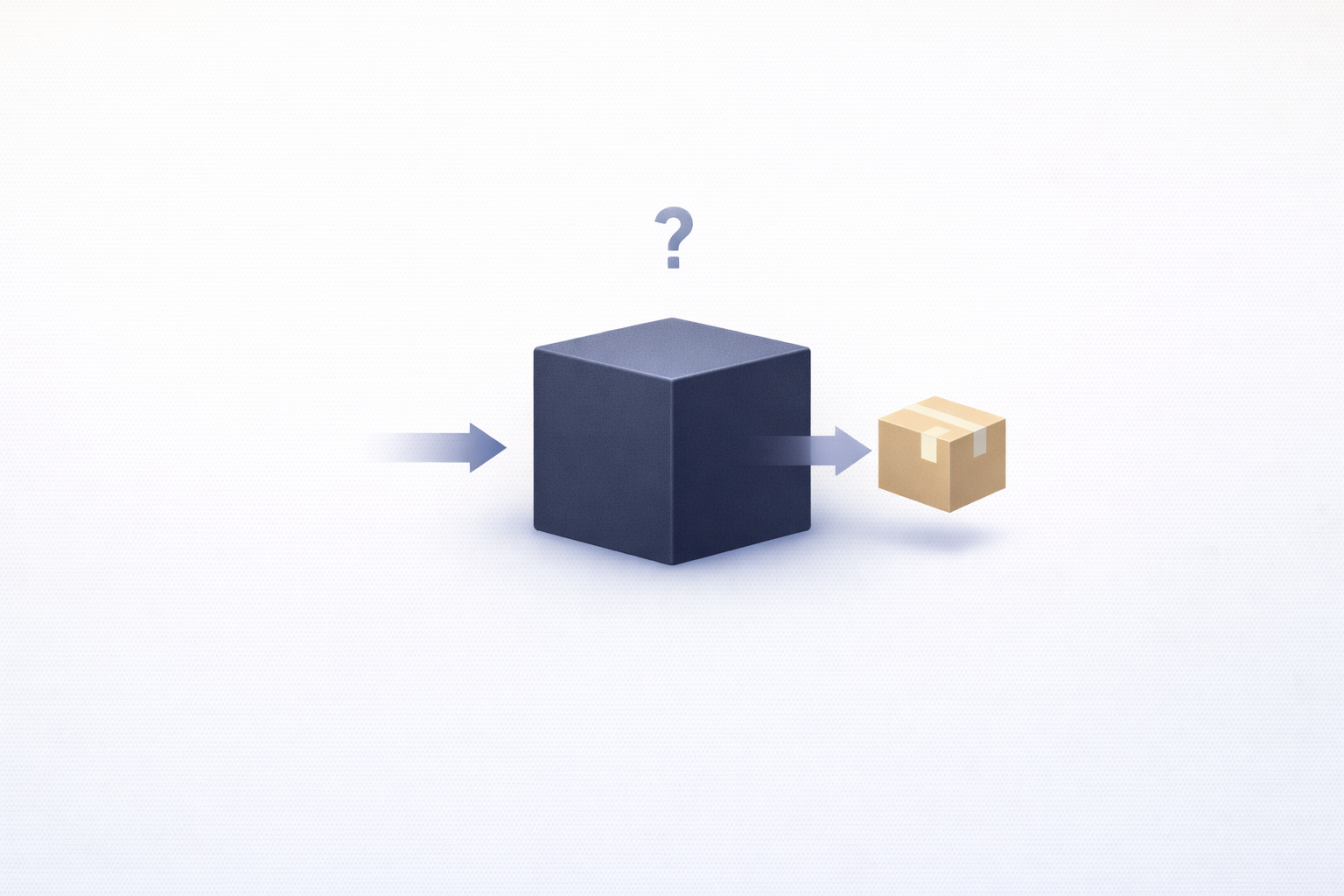
That’s what people mean when they call CI/CD a “black box.” You can see the input (your code) and the output (success or failure), but everything in between is unclear.
You might get logs, sure—but they’re often incomplete, scattered, or hard to interpret. You see that something failed, but not always why in a meaningful way.
It’s like sending your code into a machine and hoping it comes out the other side working.
And when it doesn’t? That’s when frustration kicks in.
Because instead of understanding the system, you’re reacting to it.
The Gap Between Execution and Understanding
The real issue isn’t automation—it’s the gap between what the system does and what developers understand about it.
CI/CD pipelines execute a series of steps:
-
Build the application
-
Run tests
-
Validate configurations
-
Deploy to environments
But these steps often happen in isolation, across different tools, and in environments that don’t persist.
Developers don’t experience this process interactively. They trigger it and then wait for results.
And when something breaks, they’re left piecing together what happened from whatever information is available.
This gap creates a disconnect.
You’re responsible for the code, but you don’t fully see how that code behaves in the pipeline.
That’s the essence of the black box problem.
The Rise of Automated Pipelines
Speed Over Transparency
Modern development prioritizes speed.
Teams want to ship faster, iterate quickly, and respond to changes in real time. CI/CD pipelines make that possible by automating everything from integration to deployment.
But speed comes with trade-offs.
In many cases, pipelines are optimized for execution efficiency—not for human understanding.
Steps are parallelized. Processes are abstracted. Systems are optimized to run quickly, not to explain themselves.
And while that’s great for throughput, it makes pipelines harder to reason about.
Developers don’t see each step clearly—they see the result of many steps combined.
Abstraction Layers Everywhere
Another reason CI/CD feels like a black box is the sheer number of abstraction layers involved.
A single pipeline might include:
-
CI tools (GitHub Actions, GitLab CI, Jenkins)
-
Container systems (Docker)
-
Orchestration platforms (Kubernetes)
-
Cloud services (AWS, GCP, Azure)
Each layer abstracts complexity—but also hides details.
When something goes wrong, you’re not just debugging your code. You’re debugging interactions between multiple layers of infrastructure.
And those layers don’t always expose enough information to make debugging easy.
Where Visibility Breaks Down
Fragmented Logs and Data Silos
Logs are supposed to provide insight—but in CI/CD pipelines, they often create more confusion than clarity.
Each stage generates its own logs. Each tool has its own format. And these logs are rarely connected in a meaningful way.
To understand a failure, developers have to:
-
Jump between tools
-
Correlate timestamps
-
Manually piece together events
It’s time-consuming and error-prone.
And even then, the full picture might still be missing.
Lack of End-to-End Context
One of the biggest gaps in CI/CD visibility is the lack of end-to-end context.
You might know that a test failed. But what triggered it? What changed? How does it relate to previous runs?
Without context, individual events don’t tell a complete story.
Developers need to see how everything connects—from commit to deployment.
Without that, pipelines remain opaque.
Ephemeral Environments That Disappear
CI/CD pipelines rely heavily on ephemeral environments.
These environments are created for each run and destroyed afterward. While this ensures consistency, it also removes the ability to inspect systems after execution.
If something fails, you can’t go back and explore the environment.
You’re left with whatever data was captured—and if that data isn’t enough, you’re stuck.
Why Developers Feel Disconnected
No Direct Interaction with the System
Traditional debugging is interactive. You run code, step through it, inspect variables, and understand what’s happening.
CI/CD pipelines remove that interaction.
Developers trigger pipelines, but they don’t interact with them in real time. They observe results after execution.
This lack of interaction makes it harder to build intuition about how the system works.
Debugging Without Reproducibility
Many pipeline issues are hard to reproduce locally.
They depend on:
-
Specific environments
-
Timing conditions
-
External services
Without reproducibility, debugging becomes guesswork.
The Real Cost of Limited Visibility
Slower Debugging Cycles
When CI/CD pipelines behave like black boxes, the most immediate consequence is time—or more specifically, lost time.
A pipeline fails. You check the logs. Something looks off, but it’s not entirely clear. So what do you do? You rerun the pipeline.
Now you wait.
Maybe it fails again. Maybe it passes this time, adding even more confusion. You tweak something small, push a new commit, and trigger another run.
Wait again.
This cycle—run, wait, inspect, repeat—becomes the default debugging workflow. And compared to local debugging, where feedback is almost instant, it feels painfully slow.
The problem isn’t just the time each run takes. It’s the lack of clarity between runs. Developers aren’t learning efficiently from each failure because the system doesn’t provide enough insight.
So instead of making informed decisions, they’re experimenting blindly.
Over time, this slows down the entire development process. Pipelines may be fast, but debugging within them is not.
And in high-frequency deployment environments, even small delays can add up quickly.
Reduced Confidence in Deployments
There’s another cost that’s less obvious but just as important: trust.
When developers don’t fully understand what’s happening in their CI/CD pipelines, they start to lose confidence in them.
A build fails for unclear reasons—was it a real issue or just a transient problem? A test flakes—should you fix it or ignore it? A deployment passes—can you trust that everything is actually working?
These uncertainties create hesitation.
Developers might rerun pipelines multiple times just to “be sure.” They might delay deployments because they’re not confident in the results. They might even ignore certain failures if they seem inconsistent.
This undermines one of the core goals of CI/CD: reliability.
Instead of being a source of confidence, the pipeline becomes a source of doubt.
And when that happens, teams slow down—not because they have to, but because they don’t trust the system to guide them correctly.
Common Symptoms of a Black Box Pipeline
Flaky Builds and Unclear Failures
If you want to know whether your CI/CD pipeline has a visibility problem, look for flaky behavior.
A test fails once, passes the next time, and no one knows why.
A build occasionally breaks with no clear pattern.
A deployment sometimes succeeds, sometimes doesn’t, under seemingly identical conditions.
These are classic signs of a system that lacks transparency.
Flakiness isn’t just annoying—it’s a symptom of hidden complexity. It often points to issues like:
-
Timing dependencies
-
Environment inconsistencies
-
Unstable external services
But without proper visibility, these root causes remain hidden.
So teams treat the symptoms instead. They rerun pipelines, add retries, or ignore failures altogether.
That might keep things moving in the short term, but it doesn’t solve the underlying problem.
Re-running Pipelines Without Insight
Another telltale sign is how often teams rely on re-running pipelines as a debugging strategy.
Instead of understanding what went wrong, developers simply try again.
Sometimes it works. Sometimes it doesn’t.
But either way, it’s not a real solution—it’s a workaround.
This behavior emerges when the pipeline doesn’t provide enough actionable information. If you can’t diagnose the issue, your only option is to rerun and hope for a different outcome.
Over time, this becomes normalized.
And that’s when the pipeline truly becomes a black box—something you interact with, but don’t fully understand.
How to Improve CI/CD Visibility
Unified Observability Across Stages
The first step toward solving the black box problem is bringing everything into a single, coherent view.
Right now, most pipelines scatter information across multiple tools and stages. Build logs live in one place, test results in another, deployment metrics somewhere else.
To improve visibility, teams need unified observability.
This means:
-
Centralizing logs, metrics, and traces
-
Linking data across pipeline stages
-
Providing end-to-end views of pipeline execution
Instead of seeing isolated events, developers can see the full journey of a change—from commit to deployment.
This context makes a huge difference.
When something fails, you’re not starting from scratch. You can trace the issue back through the pipeline and understand how different steps relate to each other.
Better Tooling and Developer Feedback Loops
Visibility isn’t just about collecting data—it’s about making that data useful.
Developers need tools that:
-
Highlight anomalies automatically
-
Provide clear, actionable insights
-
Reduce noise and focus on what matters
For example, instead of showing raw logs, tools could surface:
-
The exact step where a failure occurred
-
The likely cause based on patterns
-
Suggestions for fixing the issue
Feedback loops are also critical.
The faster developers receive meaningful feedback, the easier it is to debug issues. This might involve:
-
Faster pipeline execution
-
Incremental feedback during runs
-
Local simulation of pipeline steps
The goal is to make pipelines feel less like distant systems and more like interactive tools.
The Future of Transparent Pipelines
AI-Driven Insights
As pipelines become more complex, manual analysis won’t scale.
That’s where AI-driven insights come in.
Instead of expecting developers to sift through logs and metrics, AI systems can:
-
Detect patterns in failures
-
Correlate issues across pipeline stages
-
Identify root causes automatically
For example, an AI tool might notice that a specific test fails only when a certain dependency is updated, or that build times spike after a particular change.
These insights turn raw data into actionable information.
And more importantly, they reduce the cognitive load on developers.
Developer-Centric Pipeline Design
The final piece of the puzzle is rethinking how pipelines are designed.
For too long, CI/CD systems have been optimized for automation and efficiency—often at the expense of developer experience.
The future is developer-centric pipelines.
This means designing pipelines that are:
-
Transparent by default
-
Easy to understand and navigate
-
Built with debugging in mind
Instead of treating visibility as an add-on, it becomes a core feature.
Developers shouldn’t have to fight their pipelines to understand them. The system should guide them, not obscure the truth.
Conclusion
CI/CD pipelines have transformed how software is built and delivered. They’ve brought speed, automation, and scalability to development workflows.
But in the process, they’ve also introduced a new challenge: lack of visibility.
When pipelines become black boxes, developers lose insight into how their code behaves. Debugging slows down, confidence drops, and teams rely on guesswork instead of understanding.
The solution isn’t to reduce automation—it’s to make it transparent.
By investing in observability, improving tooling, and designing pipelines with developers in mind, teams can turn black boxes into clear, navigable systems.
Because at the end of the day, automation should empower developers—not leave them in the dark.

ASD Team
The team behind ASD - Accelerated Software Development. We're passionate developers and DevOps enthusiasts building tools that help teams ship faster. Specialized in secure tunneling, infrastructure automation, and modern development workflows.